After "which dates should I book?", the question I see most from people planning an aurora trip is "how do I take a photo of it?" The good news: you don't need an expensive camera. A modern phone, set up the right way, captures the northern lights surprisingly well. Often the photo looks more vivid than what you saw with your own eyes.
By November, the nights at aurora destinations are long, and the days around the November 9 new moon bring a run of dark, moonless skies. Practicing your phone settings before you leave means less fumbling with frozen fingers later. Below are the settings I'd start with on iPhone, Samsung Galaxy, and Pixel, a starting point for dedicated cameras, and how to adjust for moonlight.
Your camera sees more aurora than your eyes do
When I saw my first aurora in Ottawa, Canada, it didn't look nearly as dramatic to my eyes as it does in photos. But the shots I took that night clearly show a green curtain with rays reaching upward, and the Big Dipper right above it.
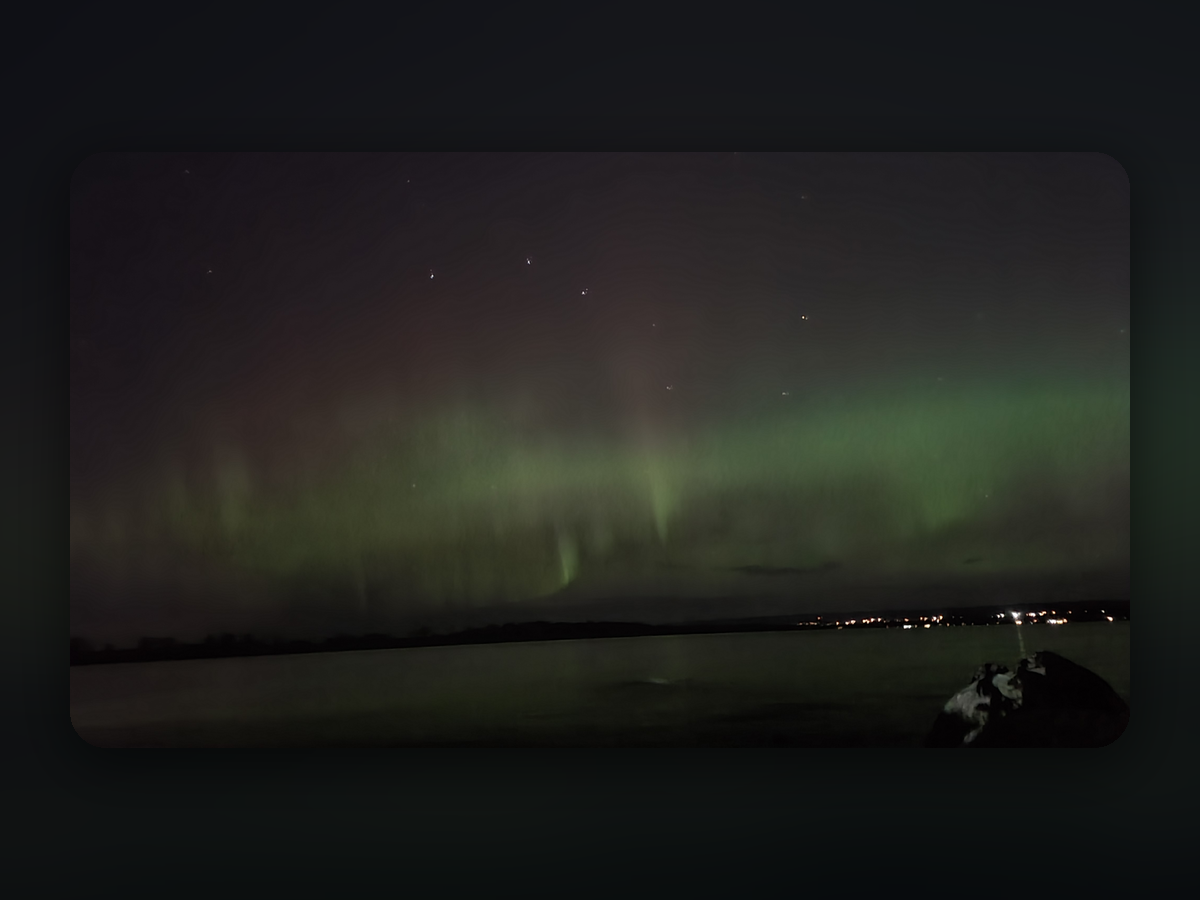
NASA notes that digital camera sensors are so sensitive they can record auroras you can't see with the naked eye. Phones take long exposures and stack several frames to cut noise. So if the sky just looks faintly bright, take a test shot anyway. If green shows up on your screen, that's the aurora.
What to bring
- A tripod or phone mount. Exposures run from a few seconds to half a minute, which is too long to hold steady. No tripod? Rest the phone on a rock, a car hood, or even a hat.
- A power bank. Batteries drain fast in the cold. Keep your phone and spare battery in an inside pocket when you're not shooting.
- A red headlamp. It protects your night vision. Turn your screen brightness all the way down, too.
- Layered gloves. Thin touchscreen gloves under thick mittens make it much easier to change settings.
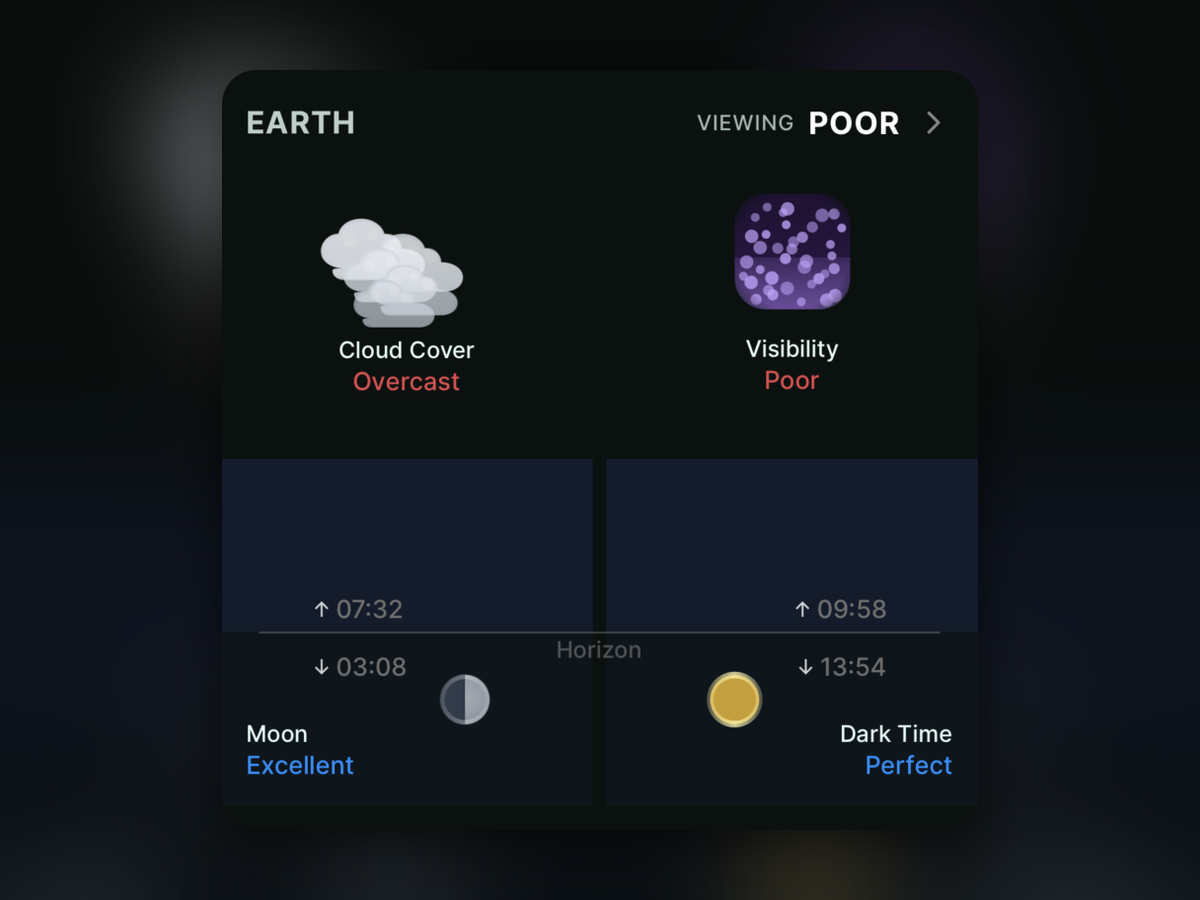
Check the clouds before you head out. No matter how strong the aurora is, you can't photograph it through overcast skies. I use the viewing score in Aurora Eos to check clouds, darkness, and moonlight at once before deciding whether to go.
Northern lights settings for your phone
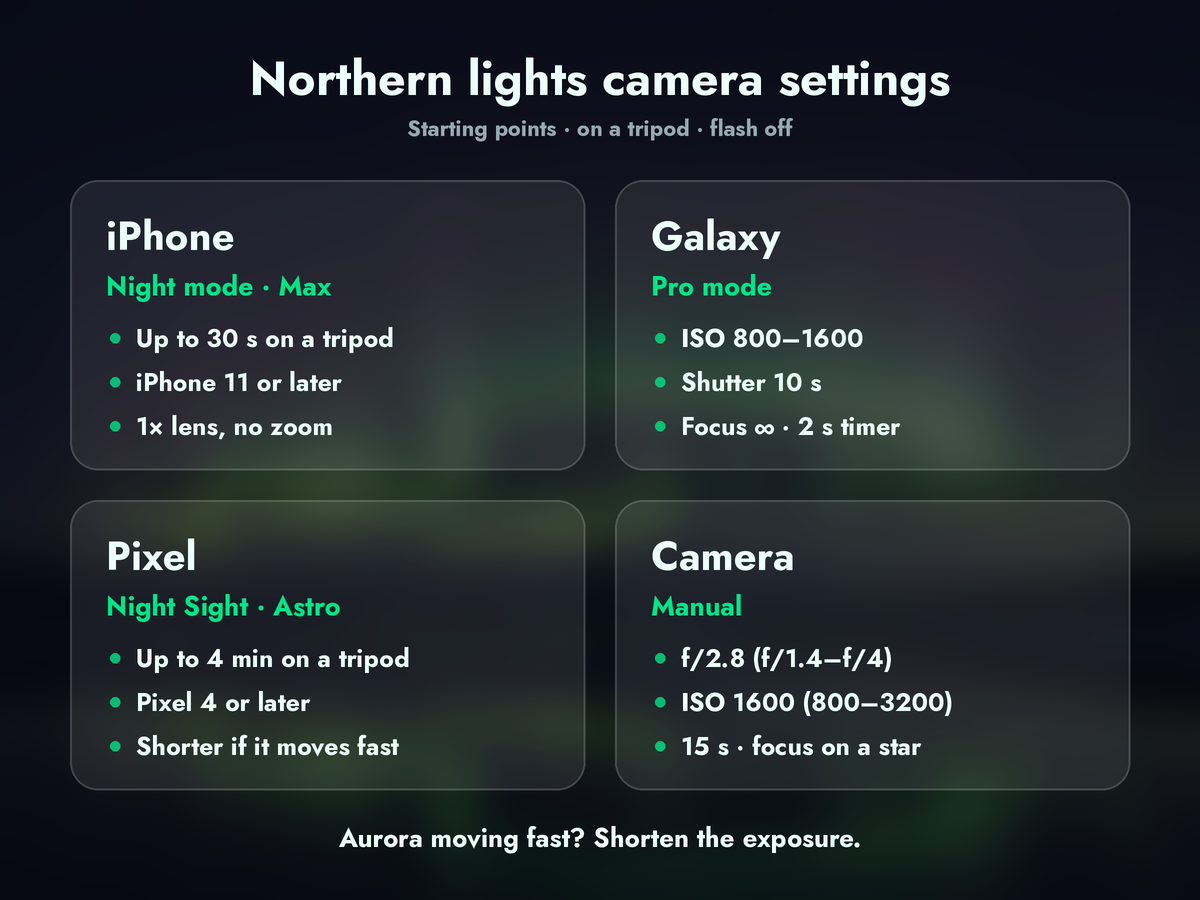
Treat these as starting points and adjust after a few test shots, depending on how bright the aurora is and how much light is around you. On every phone, turn the flash off and don't use digital zoom.
iPhone: set Night mode to Max
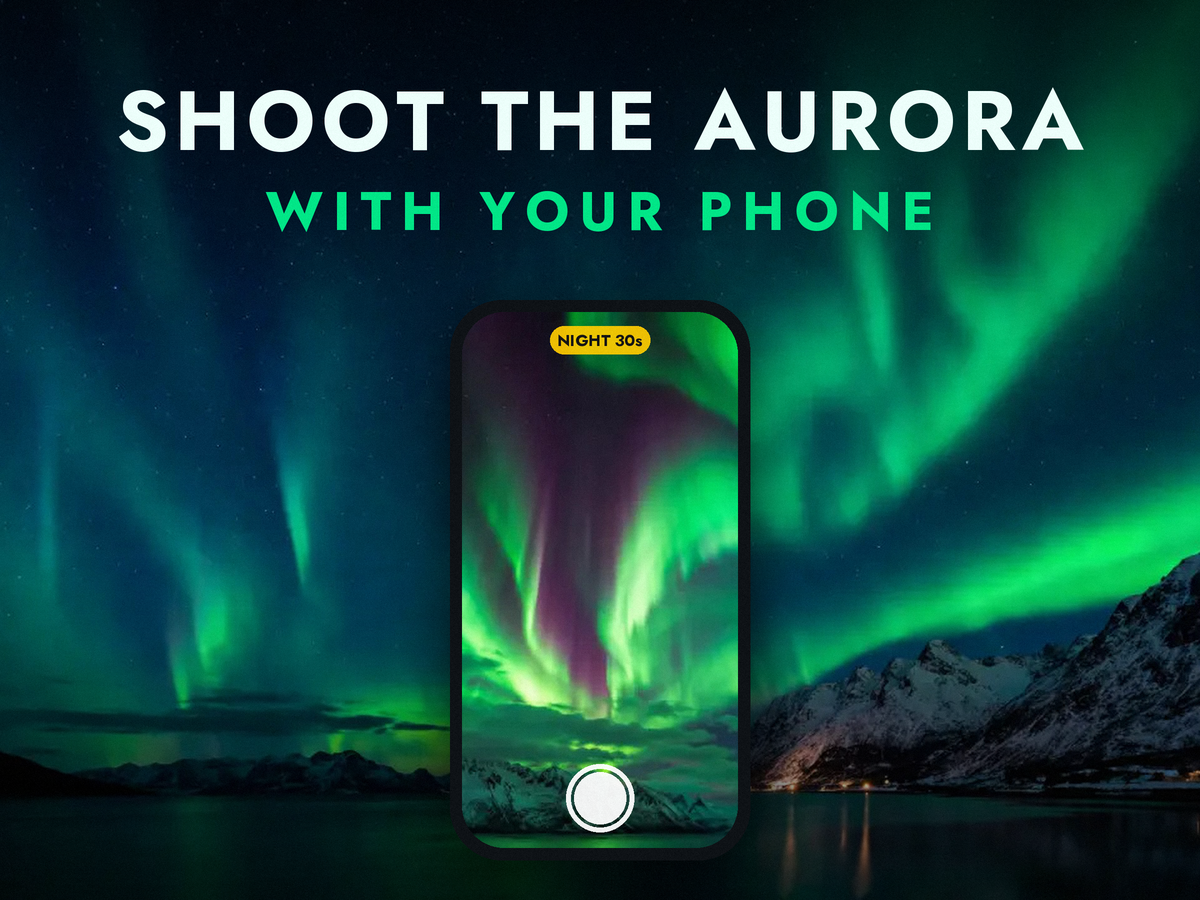
Night mode works on iPhone 11 and later and turns on automatically in the dark. Tap the arrow at the top of the screen, tap the Night mode button, and slide it to Max for a longer capture. Handheld, you'll usually get up to about 10 seconds. On a tripod, your iPhone detects that it's steady and lets you go up to 30 seconds.
- Use the 1x main camera. It's the brightest lens.
- Turn on the 3-second timer so tapping the shutter doesn't shake the shot.
- If the photo comes out too bright, lower the exposure a little. A sky that looks like daytime actually hides the aurora.
Samsung Galaxy: dial it in with Pro mode
Galaxy phones can shoot the aurora in Night mode, but setting values yourself in Pro mode gives more consistent results. Open the Camera app, tap More, then Pro, and start here:
- ISO 800–1600. Only go higher if the aurora is faint.
- Shutter speed: 10 seconds.
- Manual focus set to infinity (∞).
- A 2-second timer.
Google Pixel: Night Sight Astrophotography
On a Pixel, open Night Sight and set the phone on a tripod or something solid. When it detects that it's still, the shutter switches to Astrophotography mode. It takes 16 exposures of 16 seconds each and merges them, so a single shot can take up to four minutes. That's great for starry skies, but when the aurora is dancing fast, the curtain shapes can smear. In that case, skip Astrophotography and take several shorter Night Sight shots instead.
Using a camera instead
With a mirrorless camera or DSLR, Visit Norway suggests starting at f/2.8, ISO 1600, and 15 seconds. Open the aperture as wide as your lens allows (f/1.4 to f/4), and pick an ISO between 800 and 3200 depending on other light, such as the moon. Focus manually: zoom in on a bright star and adjust until it's as small as possible. When the aurora moves quickly, use a shorter shutter speed to keep the detail in the curtains.
Shooting around the November moon
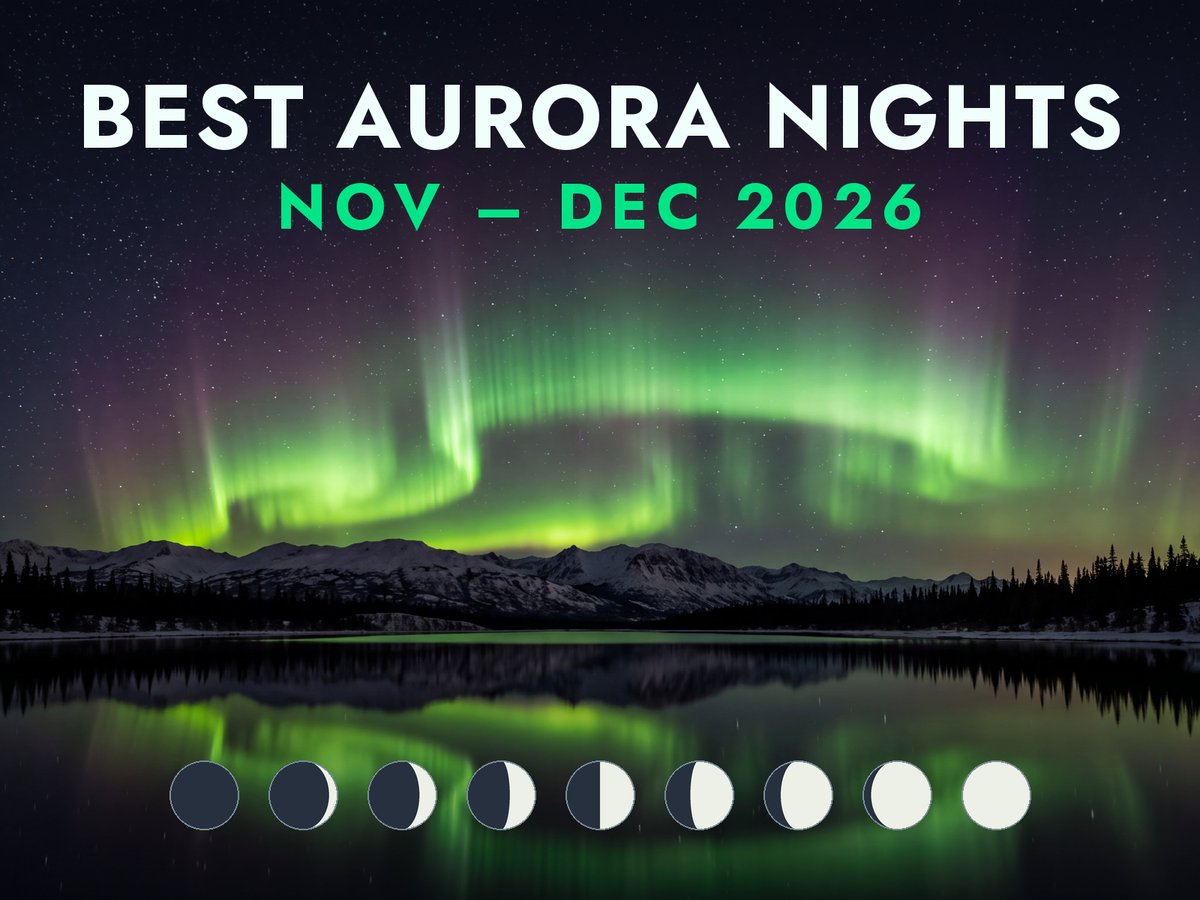
The moon affects both how well you see the aurora and how your photos look. In November 2026, the new moon falls on November 9 and the full moon on November 24. For a night-by-night breakdown of when the moon is down, see Best Time to See the Northern Lights in November and December 2026.
Around the new moon: catch even faint auroras
With no moon, the sky is at its darkest. Faint auroras show up well and the stars pile up in your frame. The ground turns pitch black, though, so look for a foreground with a clear silhouette, like a lit cabin or a lakeshore.
Full moon week: use moonlight as your light source
A bright moon washes out faint auroras, but it has an upside for photos. Visit Norway even names a bright moon as one of the best conditions for photographing the northern lights with a phone. Moonlight lights up snowy mountains and frozen lakes, giving your foreground real detail. Keep the moon behind you while shooting the northern sky so the sky doesn't blow out, and try a slightly lower ISO and shorter exposure.
When to get your phone out
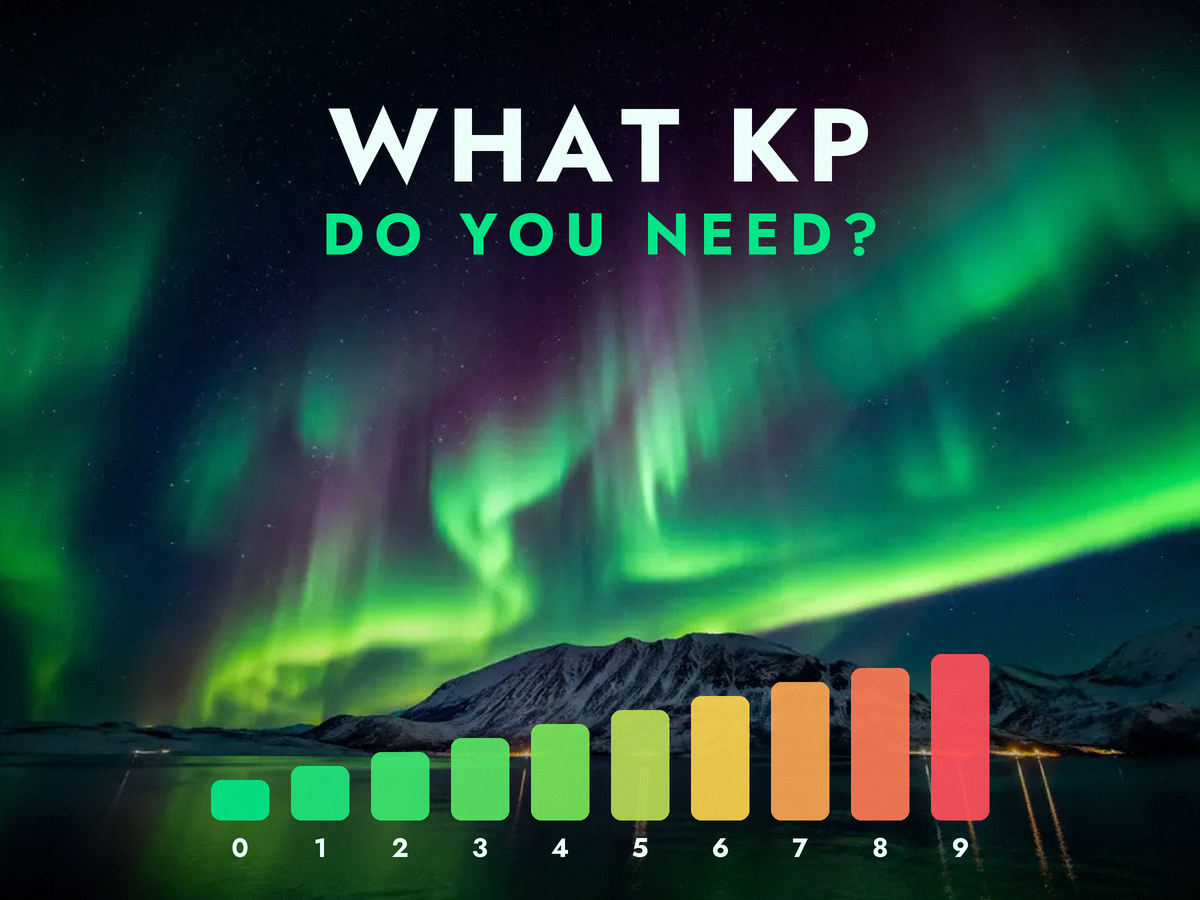
NOAA says the aurora is usually most active between 10 p.m. and 2 a.m. local time. Under the auroral oval, in places like Tromsø or Yellowknife, even a low Kp gives you a real chance. Farther south, it helps to know how high Kp needs to go first. I broke that down by city in What Kp Index Do You Need to See the Northern Lights?
Big geomagnetic storms are usually forecast a few days ahead, so turn on alerts. Here's how: Get Geomagnetic Storm Forecast Alerts. Out in the field, the moment the aurora suddenly brightens can pass quickly, so set up your framing and settings in advance and wait.
Summary
The key to photographing the northern lights with a phone isn't expensive gear. It's keeping the phone perfectly still. Start with Night mode on Max on iPhone, Pro mode at ISO 800–1600 and 10 seconds on Samsung Galaxy, and Night Sight Astrophotography on Pixel. If the aurora moves fast, shorten the exposure.
Around the new moon you can capture even faint displays, and during full moon week you can frame the aurora over moonlit landscapes. If you're heading out on an aurora trip this winter, practice these settings once before you go, and keep an eye on the clouds, moon, and forecast together in Aurora Eos. I hope you get great shots on the night the sky opens up.
Sources
- NASA — Guide to Finding and Photographing Auroras: camera sensor sensitivity, cold batteries, and what to pack
- Apple — Use Night mode on your iPhone and MacRumors: supported models, the Max setting, and up to 30 seconds on a tripod
- Pixel Camera Help — Astrophotography and Google Research: Night Sight Astrophotography, up to 4 minutes with 16-second frames
- timeanddate — Northern Lights Photography Tips: manual phone settings of ISO 800–1600, focus at infinity, and 10 seconds
- Visit Norway — How to photograph the northern lights: f/2.8, ISO 1600, 15 seconds, and shooting with a phone under a bright moon
- NOAA SWPC — Tips on Viewing the Aurora: the 10 p.m.–2 a.m. viewing window
- timeanddate — Moon Phases 2026 (UTC): November 2026 new moon and full moon dates