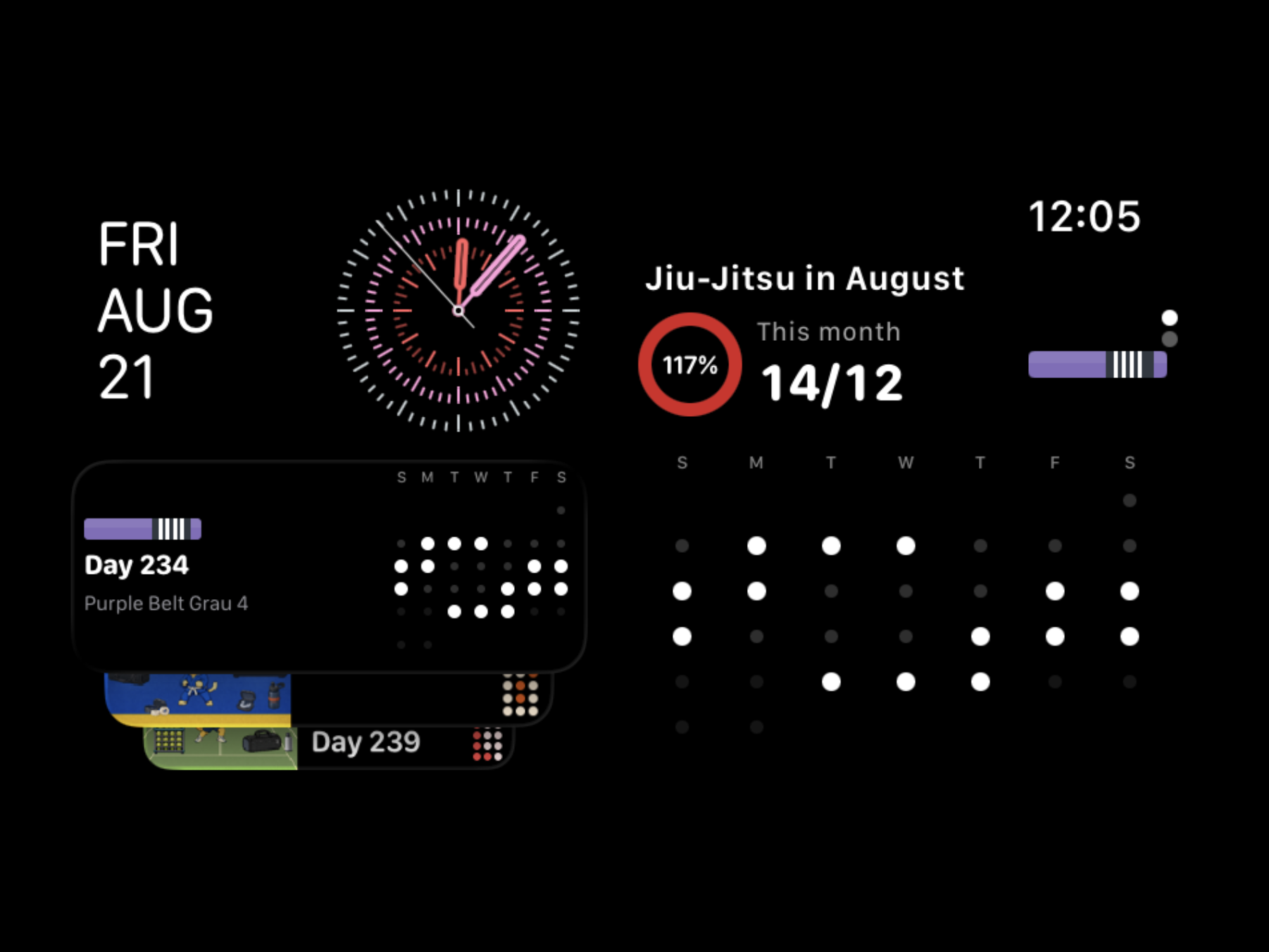
For September, I updated Post Black Belt so you can reach it outside your phone and explore techniques more deeply. I added Apple Watch and Wear OS widgets, and gathered signature-technique instructionals from world champions so you can browse them technique by technique. I will also cover the connections between techniques, the video data, and the new icon styles.
Your Training Record, Continued on Your Wrist
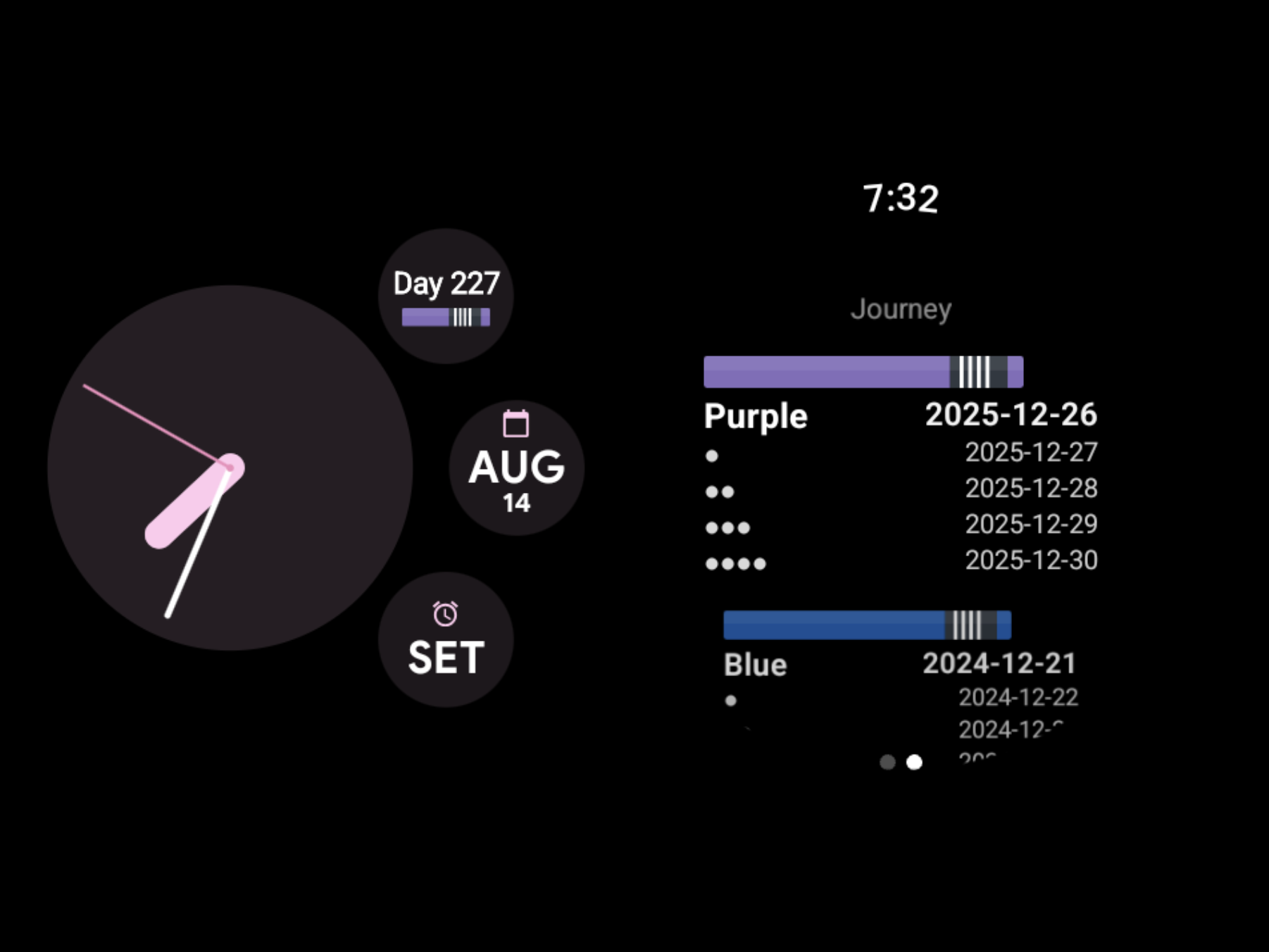
You can now use Post Black Belt widgets on Apple Watch and on Wear OS watches including Google Pixel Watch and Galaxy Watch. Check your promotion D-day, your progress toward the next belt, and your recent training heatmap right from the watch face.
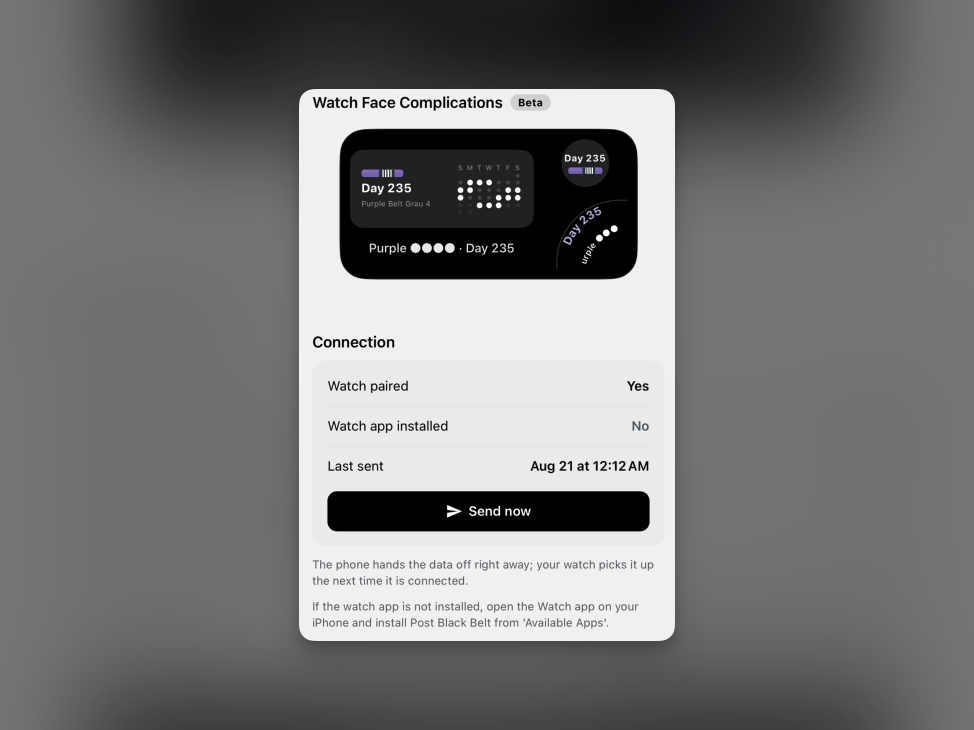
On Apple Watch, you can check the connection status and send data directly from the watch settings in the app. Once you pick the complication that fits your watch face, you can place the promotion D-day in a small circular slot and your belt info and training heatmap in a wider one. On Wear OS, you can add the tiles and complications you want as well. I hope that every time you check the time, you also meet your next promotion goal and the belt journey you have built so far.
Signature-Technique Instructionals from Champions
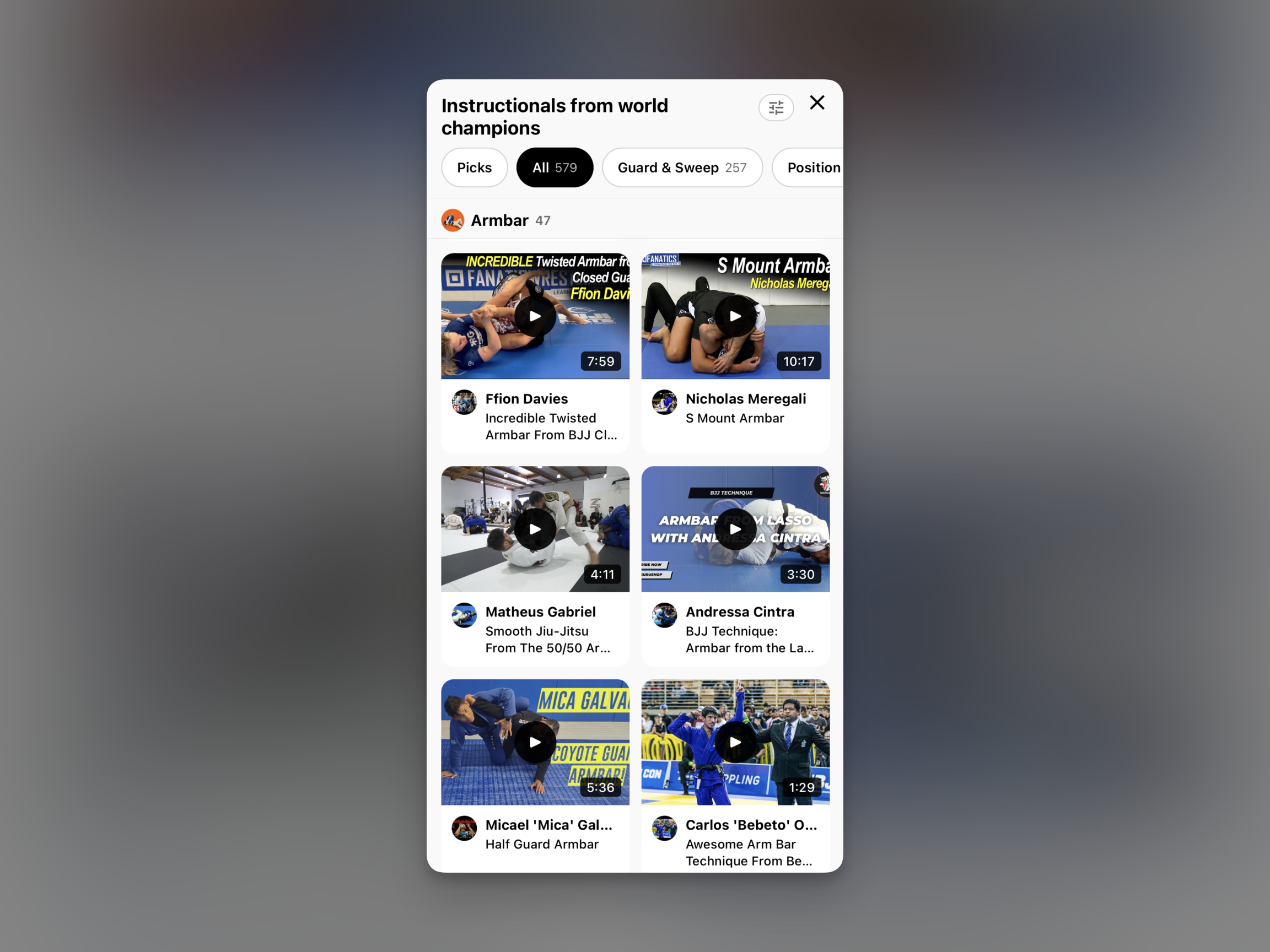
Champion data now includes signature-technique instructionals — instructional videos where world champions explain their own specialties, collected technique by technique. On the home screen, you can see the champions in your weight class along with the signature-technique instructionals that came out of that weight class.
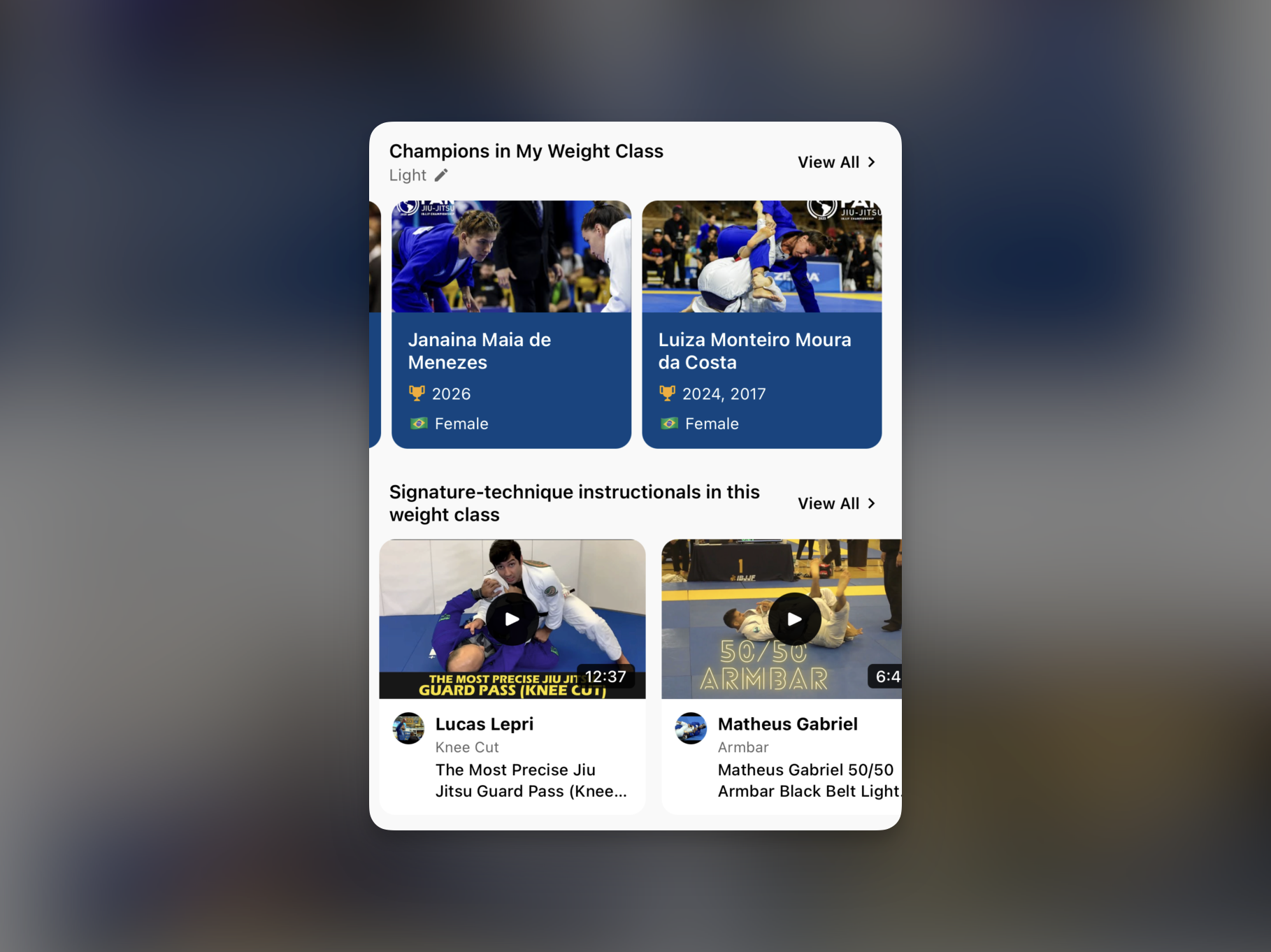
The full list groups instructionals by technique. You can filter by category — armbar, guard and sweep, position — so you only see the technique you are drilling right now. Open the armbar group and scan through its instructionals, or pull up only guard passes. Either way, you check the techniques you actually like.
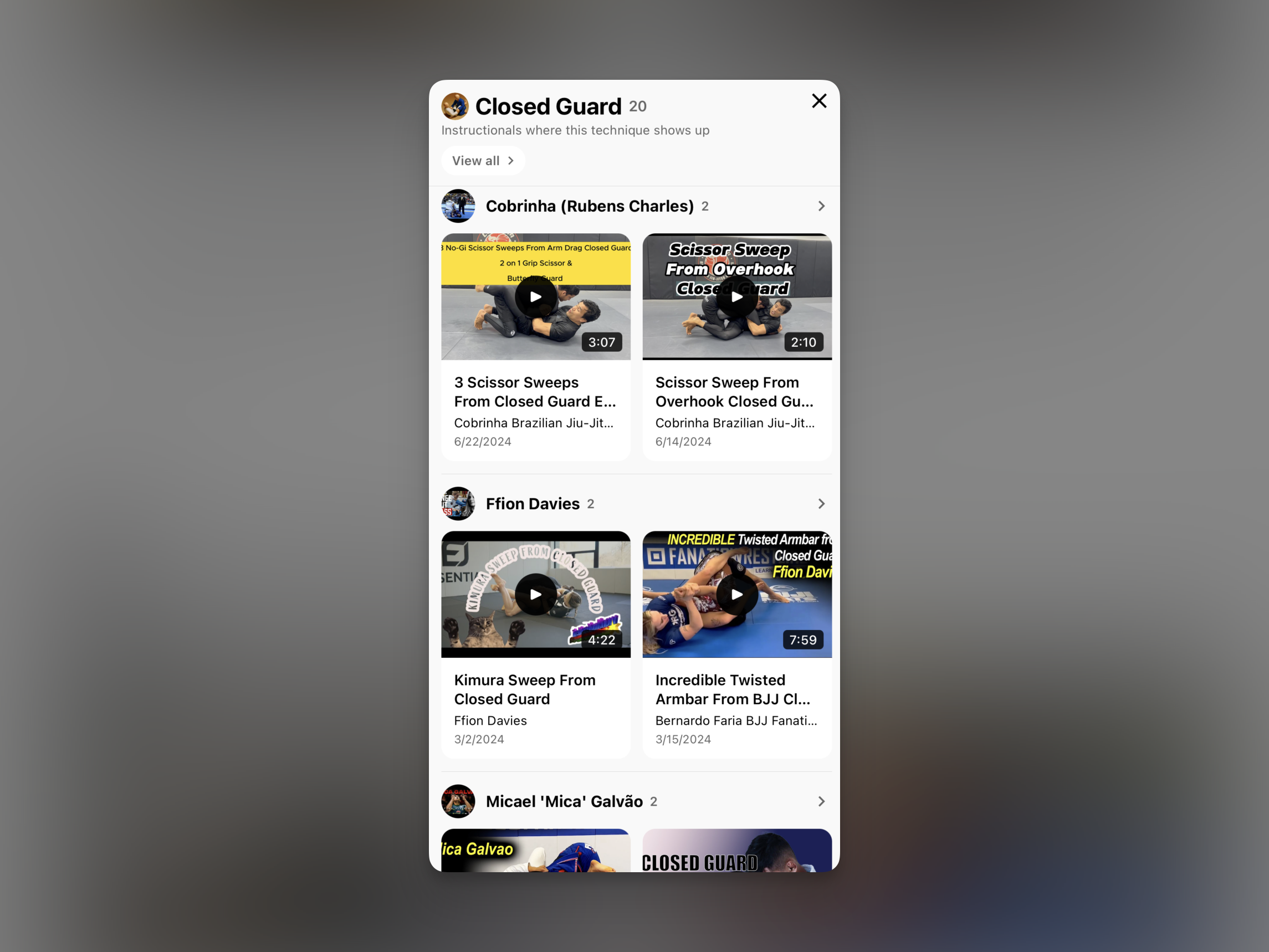
Open a single technique and the instructionals where it shows up are organized by athlete. In closed guard, for example, you can compare side by side how Cobrinha, Ffion Davies, and Micael 'Mica' Galvão each solve the same position. The details differ from athlete to athlete even for the same technique, so pick the approach you like and take it to the mats.
More Concrete Technique Exploration
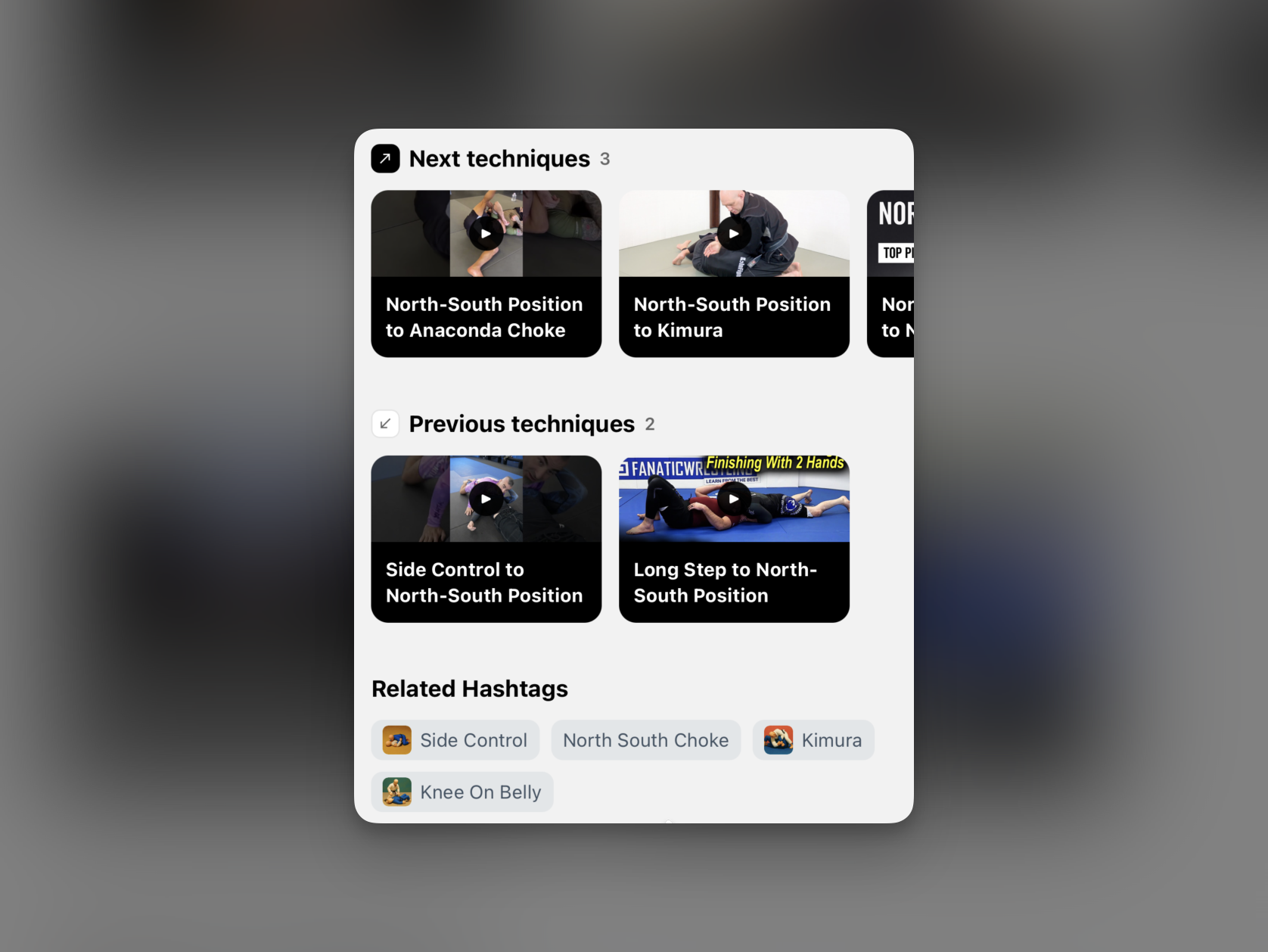
A technique makes more sense when it connects to the positions before and after it and to the options that follow. In this update, I organized the relationships and transitions of each technique more concretely. On the detail screen, you can see the previous techniques that lead into the current one and the techniques you can connect to next, separately, and explore nearby techniques naturally through related hashtags. I also improved the technique videos so the connection between real positions and movements is easier to follow.
New Icon Styles
I added three icon styles so you can decorate the app to your taste. Feel free to switch between them to match your current belt color or whatever mood you are after.
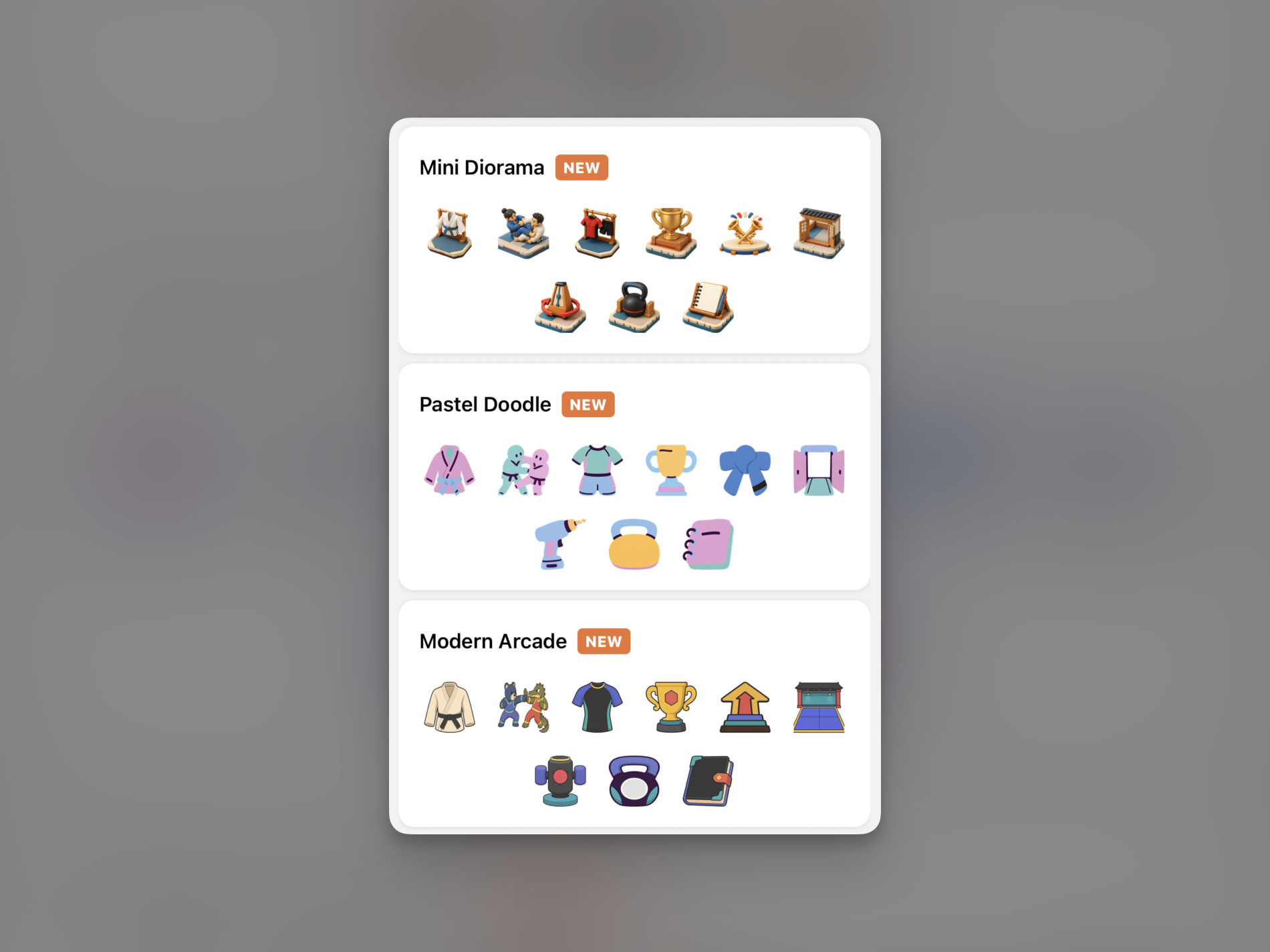
- Mini Diorama: scenes from jiu-jitsu rendered as three-dimensional miniatures
- Pastel Doodle: bright pastel colors with a hand-drawn feel
- Modern Arcade: crisp outlines with a game-like energy
Wrapping Up
This update also fixed the performance issues and various bugs users reported. Thanks to the detailed reports about what felt off, I was able to track down and improve those problems faster.
I will keep making changes so that recording your jiu-jitsu and preparing for your next session feels more natural and enjoyable. Try out the watch widgets, the new technique data, and the icon styles, and if anything stood out or there is something you would like to see more of, please let me know anytime.