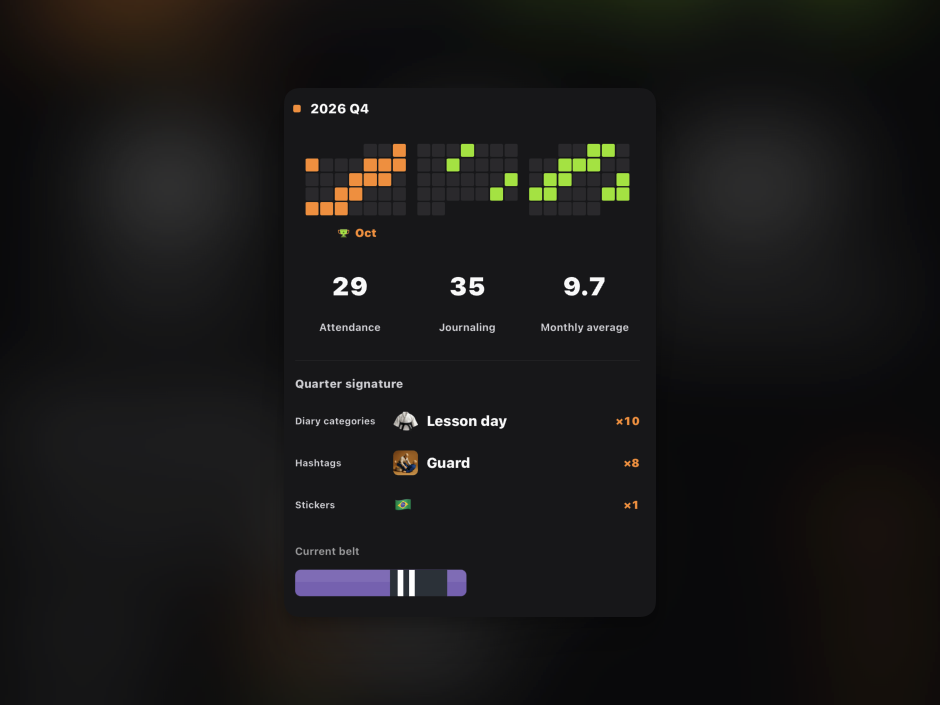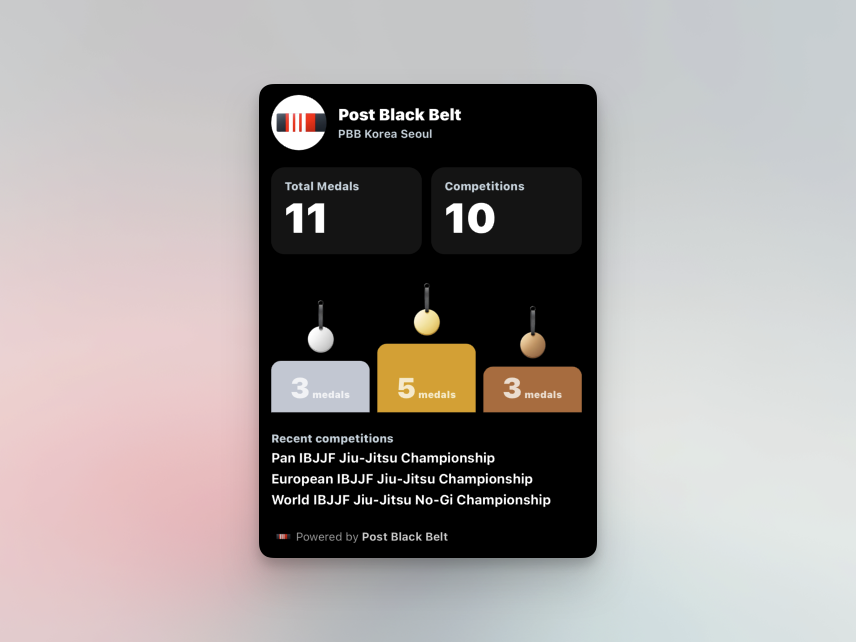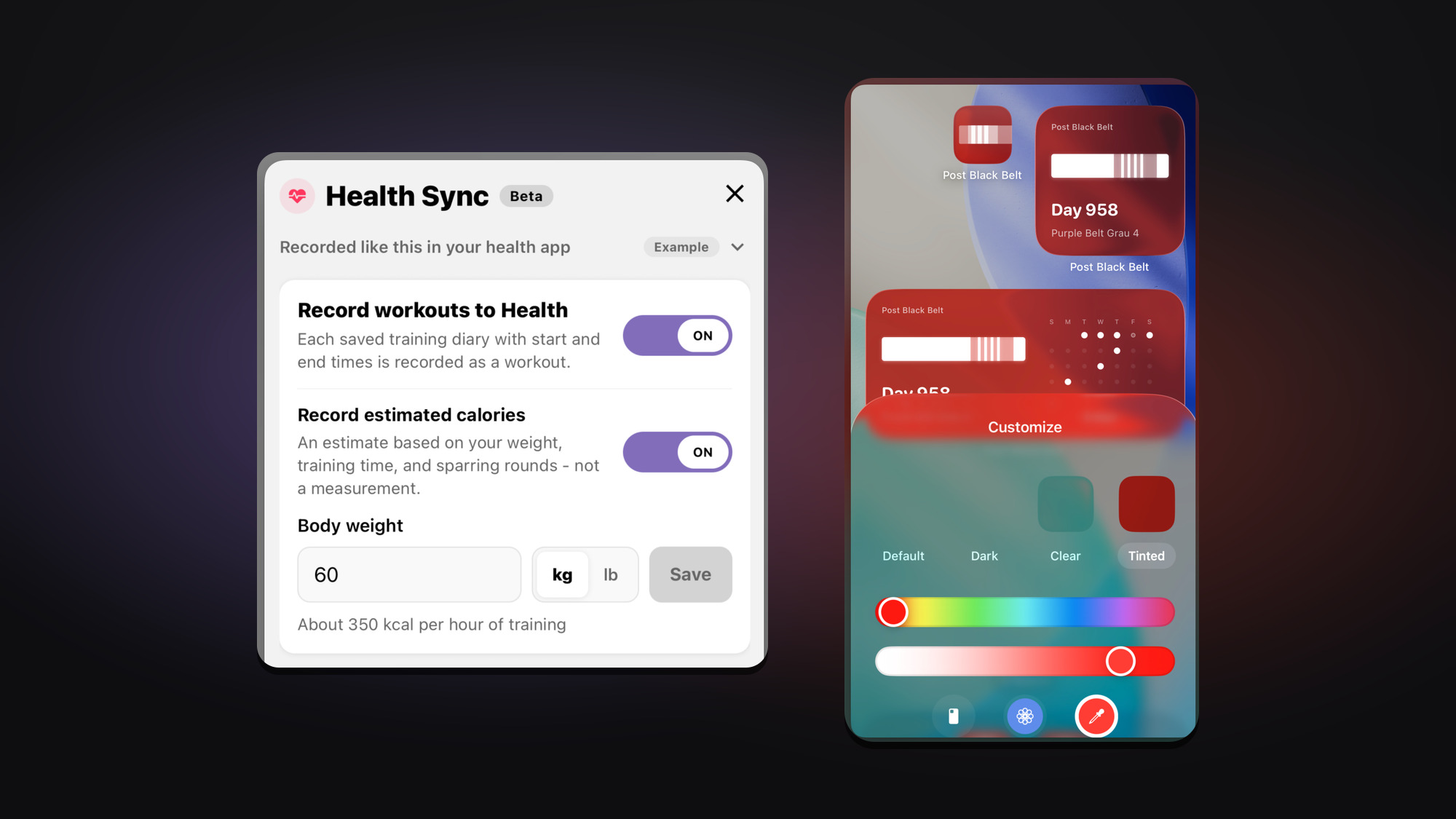
In October, I added features that let your training journal carry more naturally into the health records you already use. Journals with training time can now be saved as martial arts workouts in Apple Health and Android's Health Connect. I also refined the app's system theme support for its home screen icon and widgets, so Post Black Belt is easier to recognize at a glance.
From Your Journal to Health
If you log your training start and end times after a session, you may also want that record in your health app. Turn on Health Sync in Settings and grant permission, and future training journals will be sent as workouts. It is off by default, and Post Black Belt does not read your existing Health data. The integration only writes new records.
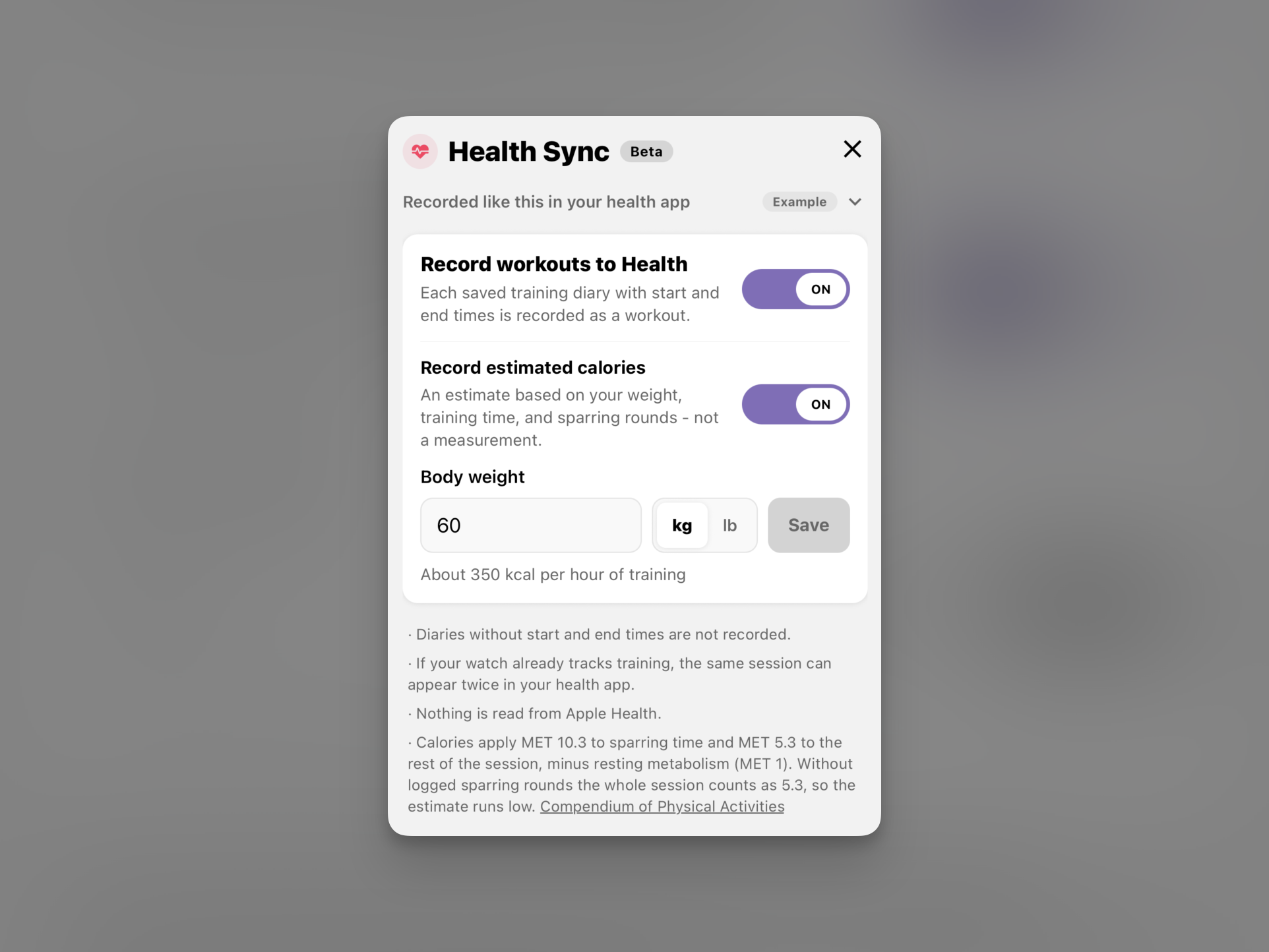
Only journals with a start and end time are recorded as workouts, and their Health records are updated or deleted when you later edit or delete the journal. If you want, you can also save estimated calories calculated from your weight, training time, and sparring rounds. Add the time and sparring rounds to your journal for a more accurate estimate, and turn calorie saving off in Settings whenever you like. I would always appreciate hearing about anything that feels inconvenient or a flow you would like to see next.
Apple Health
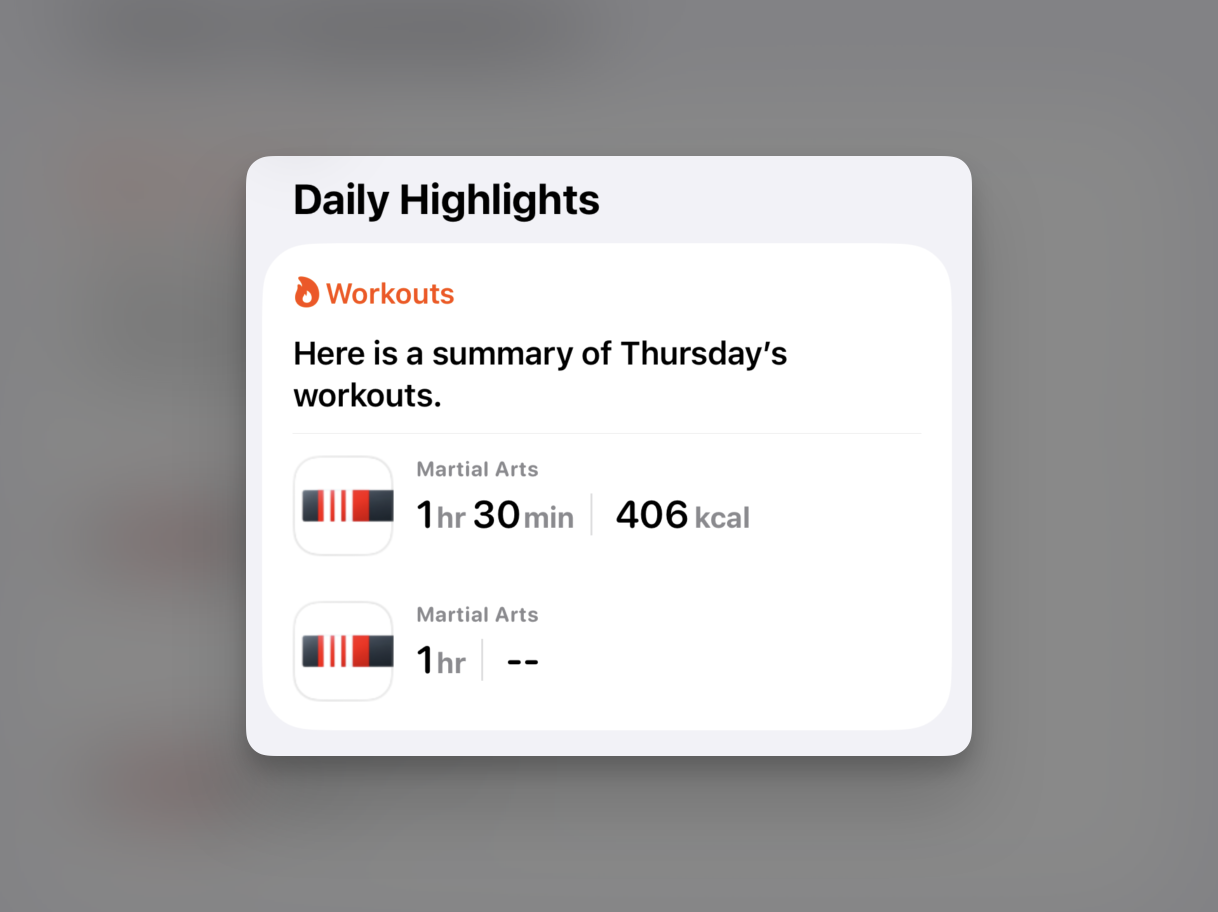
On iPhone, saved journals are added to Apple Health as martial arts workouts. When you view them alongside other activity, you can look back on your time on the mats as part of the same flow as running, lifting, and everything else you do. It is especially convenient if Apple Health is already the center of your training records.
Health Connect
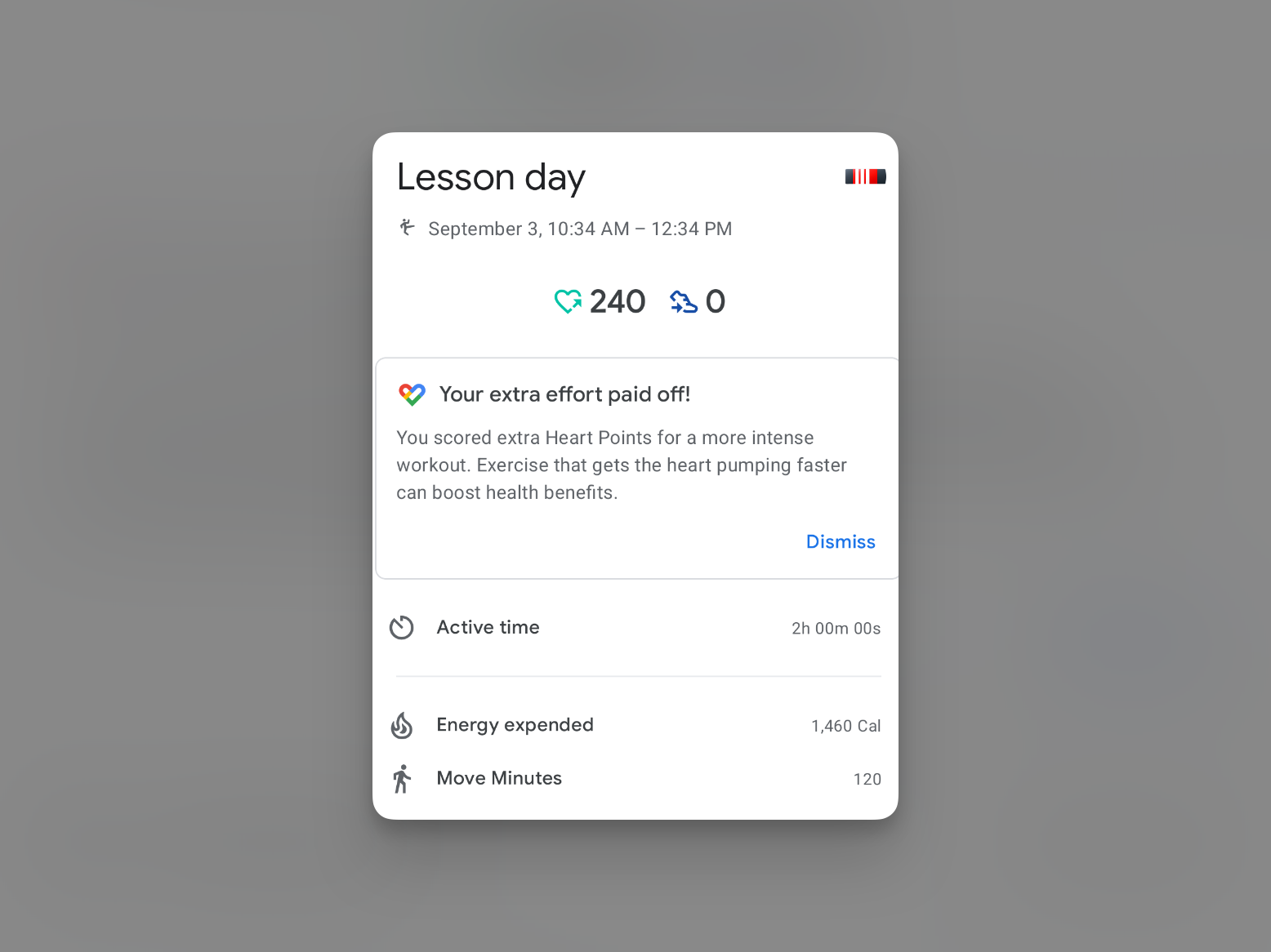
On Android, Post Black Belt saves workout sessions and, if selected, estimated calories to Health Connect. Health Connect is where the data is collected, so you will see the actual records in a connected app such as Samsung Health or Google Fit. It can take a moment for data to appear in those apps, so if this is your first time using it, check that both Health Connect and the app you use for viewing are connected properly.
More Natural on Your Home Screen
I prepared new icon assets so Post Black Belt fits the mood of your device not only when you open it, but also when it sits on your home screen. Before, enabling dark mode or themed icons made the system alter the original icon's colors automatically, leaving the belt looking washed out. Now the app shows versions made specifically for each mode.
iPhone: Dark, Tinted Icons, and Widgets
I added dedicated assets for the dark mode icon and tinted app icon supported by iOS 18 and later. When you choose a home screen tint, the Post Black Belt icon follows it while keeping the belt body, stripes, and degree bars distinct, even when the tint comes from your wallpaper.
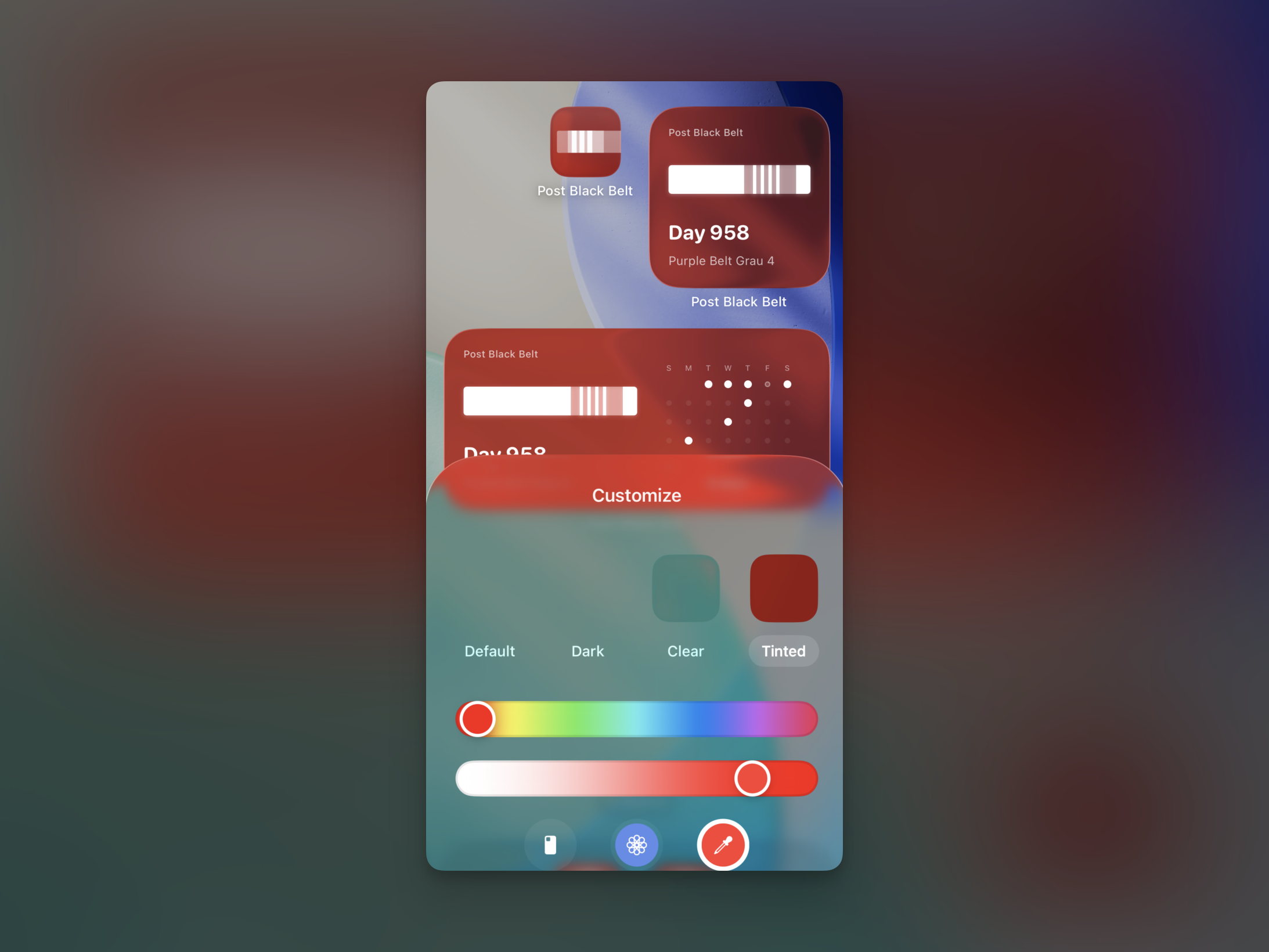
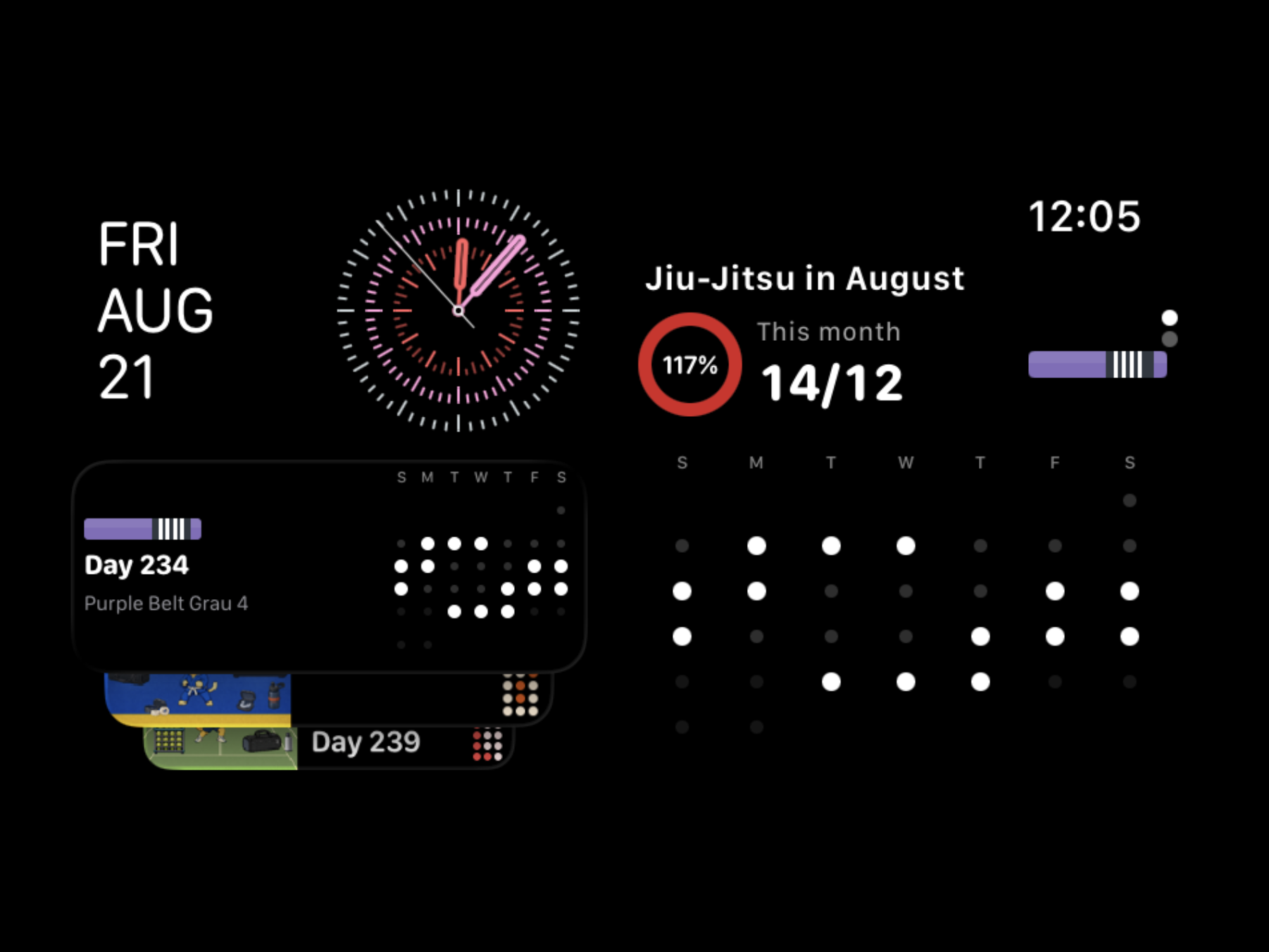
I updated the widgets too. In tinted mode, the system changes both widget background and text colors while retaining only transparency. Previously, selecting a light background could place a pale palette over a dark background, making the widget hard to see. Now whenever the full color palette is not used, widgets always draw with the dark-background palette and treat the belt as an accent, so it remains the focus on a tinted home screen. The rectangular and circular Watch face complications follow the same rule, so the belt does not blur into one shape on tinted faces.
Android: Themed Icons
On Android 13 and later, Post Black Belt supports themed icons. In supported launchers, turning them on gives the icon a single color that matches the system color drawn from your wallpaper. Until now, the app had no dedicated monochrome layer, so it remained colorful while nearby icons all changed. There is now a separate belt silhouette layer with the slits cut out, so its striped sections remain visible even in one color.
Make Stickers More Your Own
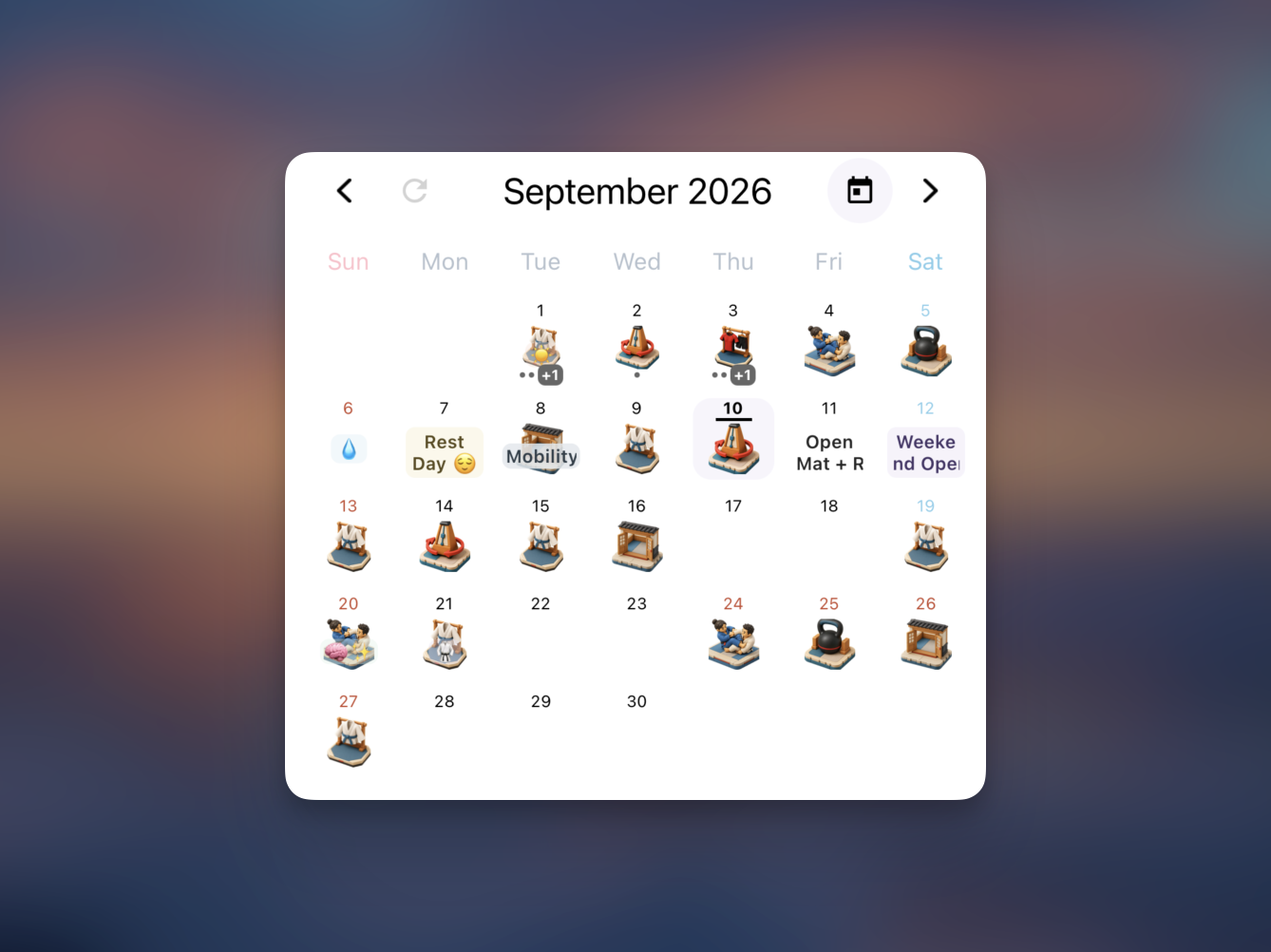
Calendar stickers are now more flexible too. You can choose the text color and background color separately, giving training, rest, condition notes, and any other marker you want to keep an eye on the feel you want. Add a short note or an emoji, and fill your calendar in your own way.
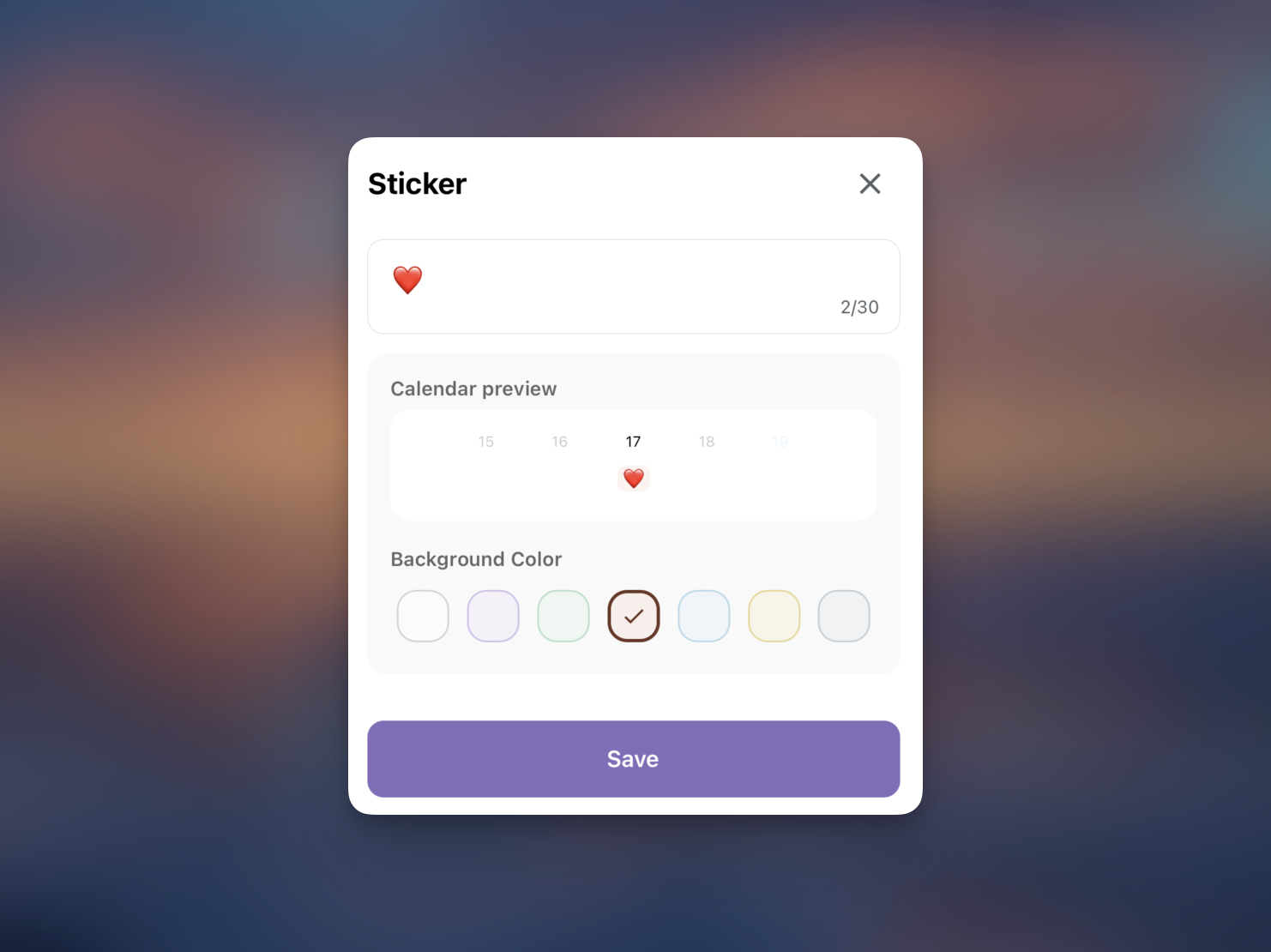
You can check the result in the calendar preview before you save. Use stickers to distinguish training types or to spot important days at a glance. When the calendar is ready, share it just as you styled it to show the flow of your training month and the record that is uniquely yours.
Set Alarms by Day of the Week
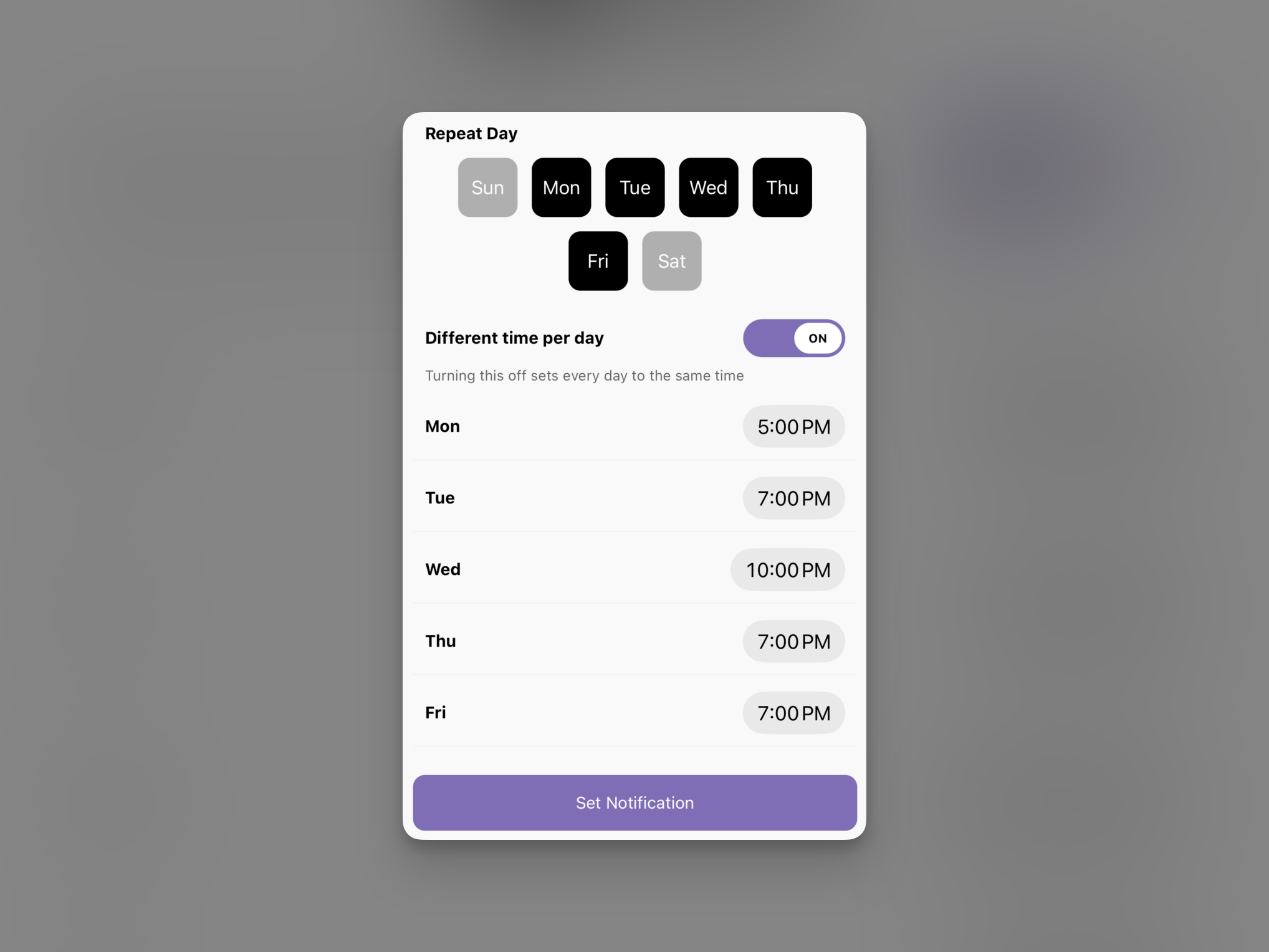
You can now set training alarms and Today’s Technique notifications differently for each day of the week. Use them to remember your morning session on weekdays and receive a later reminder on weekends, or set the days and times that fit your own training routine.
Wrapping Up
This update focuses on helping your training journal carry beyond the app and into both the health records and home screen you already use. Training records become more meaningful as they build up, and I hope your time on the mats can fit naturally into the flow you already have.
Try the new integrations and home screen themes, and please send feedback anytime if something feels inconvenient or there is a flow you would like to see next. I will keep improving Post Black Belt so that the one line you write after training becomes more useful to look back on over time.