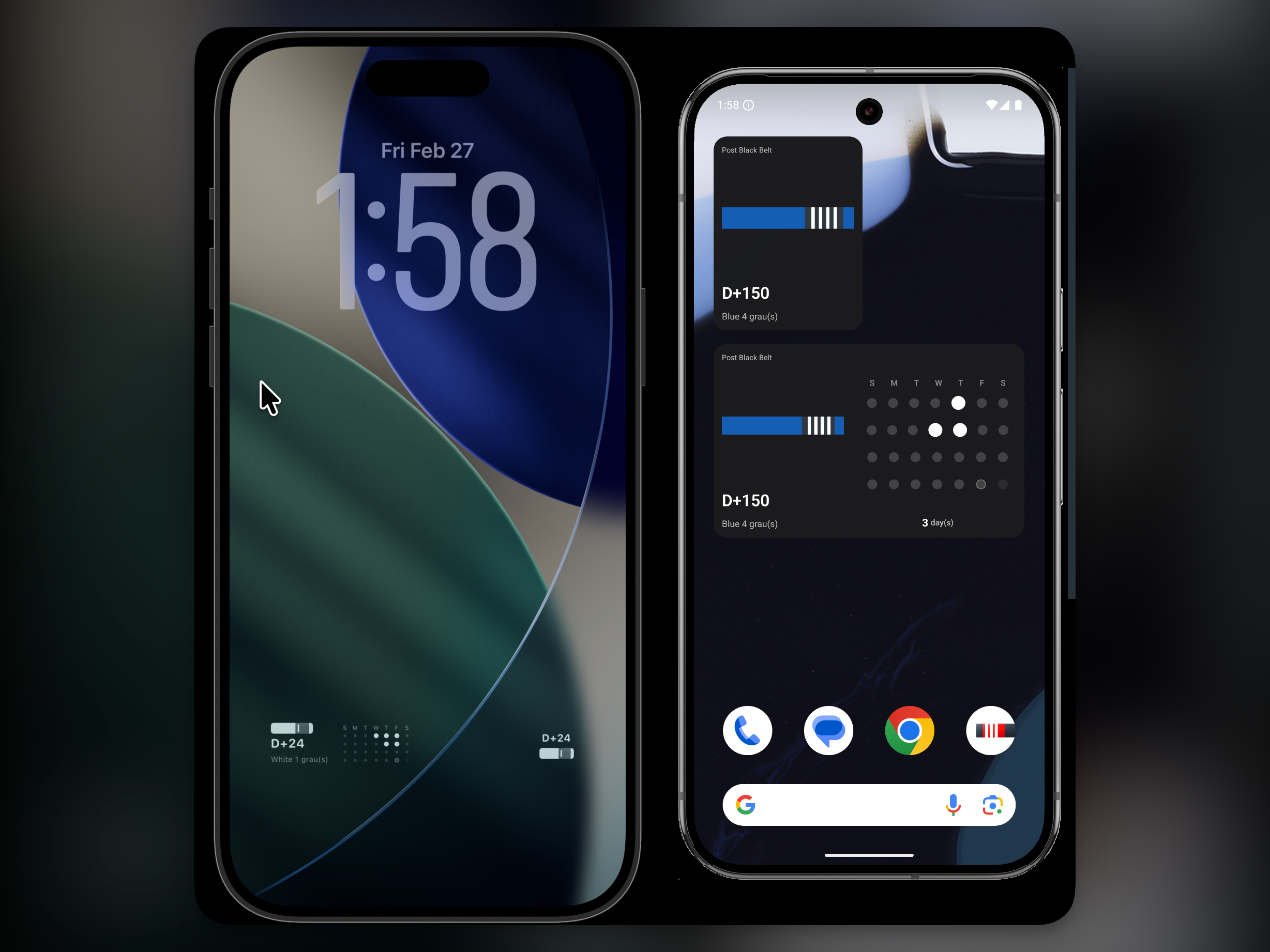
Lately, I have often thought it would be great to check how consistently I am training without even opening the app. In this update, I prepared widget features that let you quickly check your jiu-jitsu routine from the home and lock screens. In this post, I will briefly introduce the newly added features.
1. What You Can Configure in Widgets
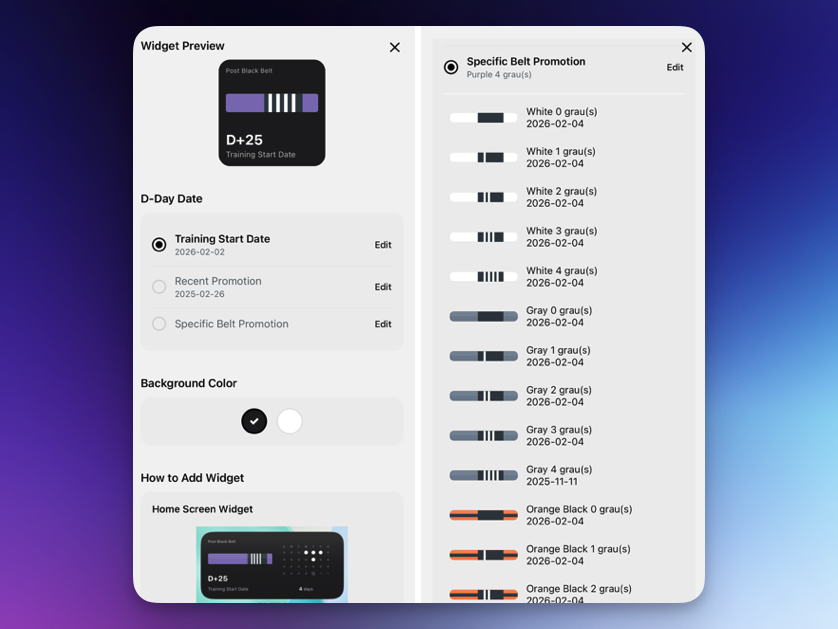
My Own Jiu-Jitsu D-Day Settings
Belt promotions in jiu-jitsu are meaningful enough that people often say they take at least three months. In the D-day widget, you can choose dates that matter to you and check them with your belt on your home and lock screens.
- The day you started jiu-jitsu
- Your most recent promotion date
- Your target belt/stripe promotion goal
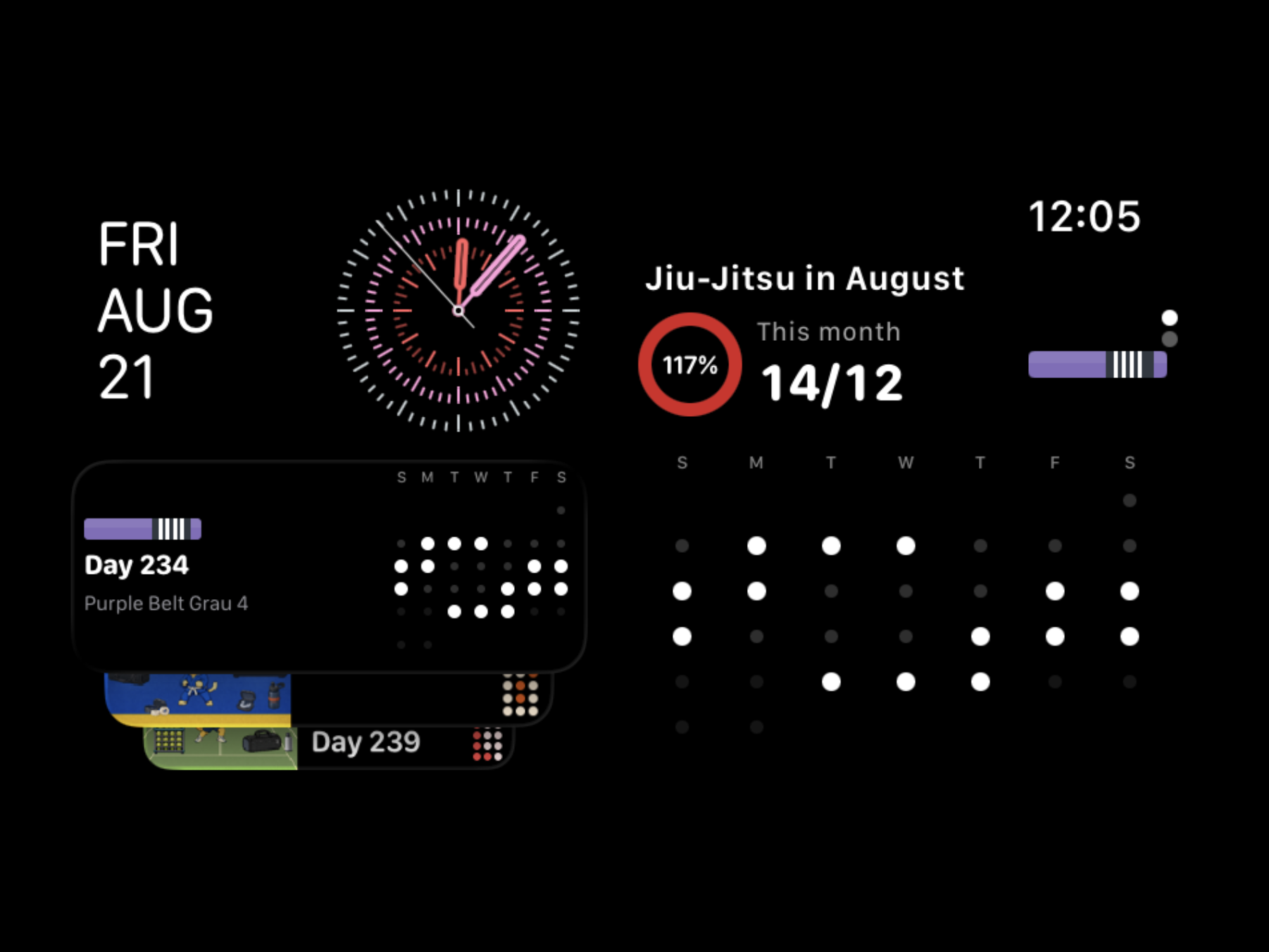
This Month's Training Calendar
I made it possible to check recent training records with a simple dot-pattern calendar. Just by looking at how the dots fill in, you can quickly tell whether it was a rest week or a week where you stayed on your routine.
2. Widget Types
Home Screen
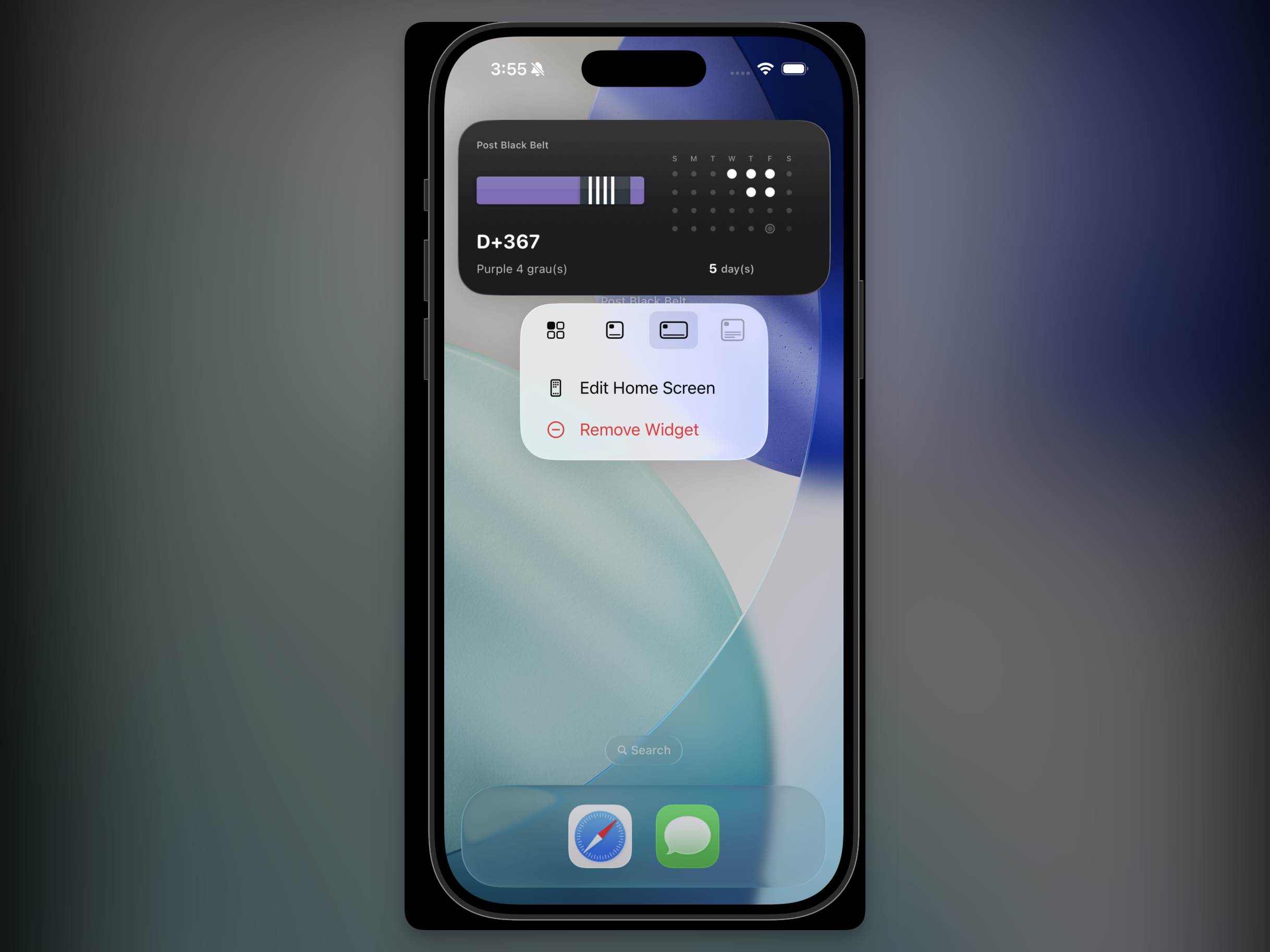
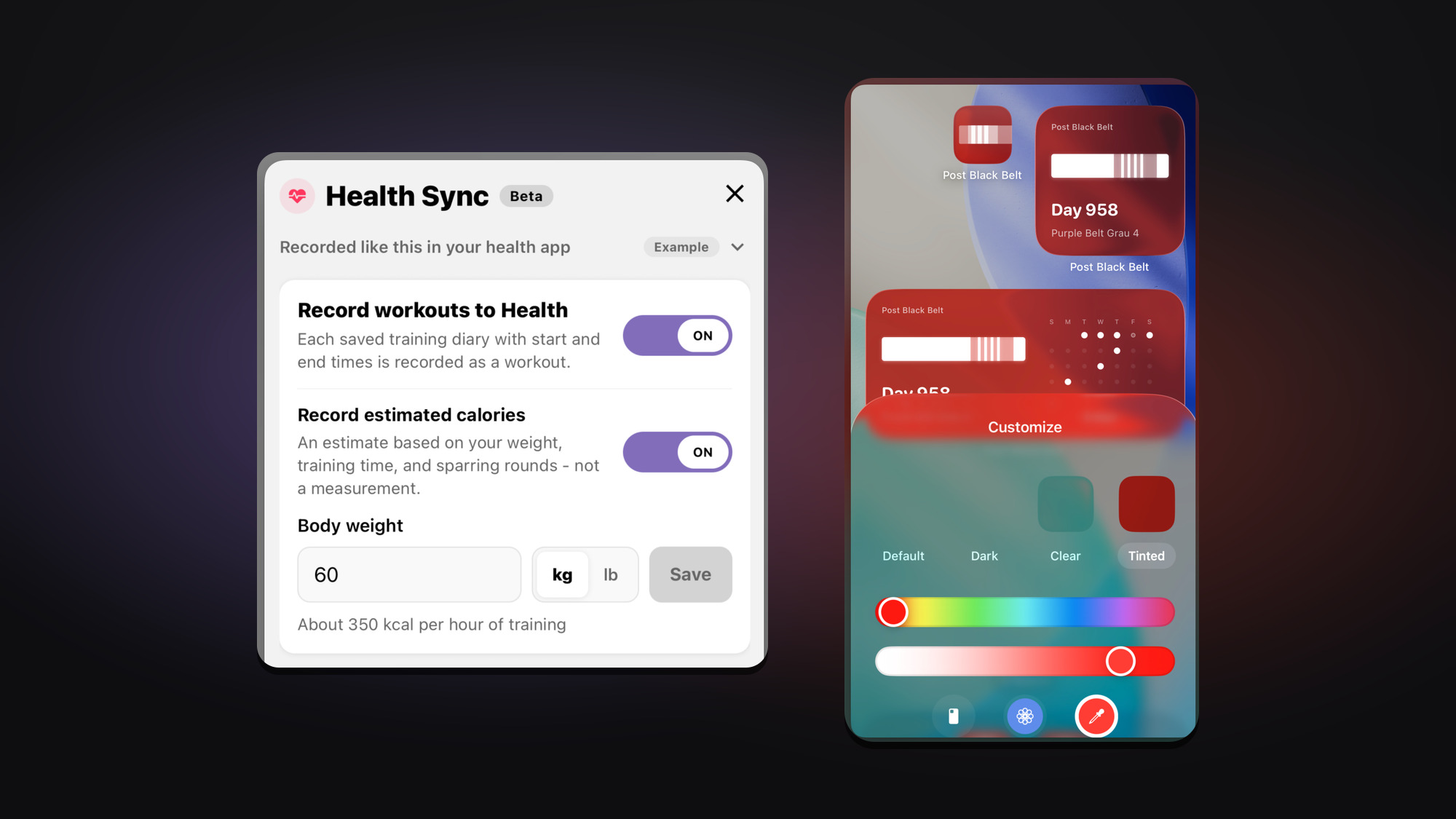
On the home screen, you can choose either a simple D-day widget or a widget that includes this month's training calendar, depending on your goal. Now you can check and celebrate your own jiu-jitsu milestones every day.
Lock Screen
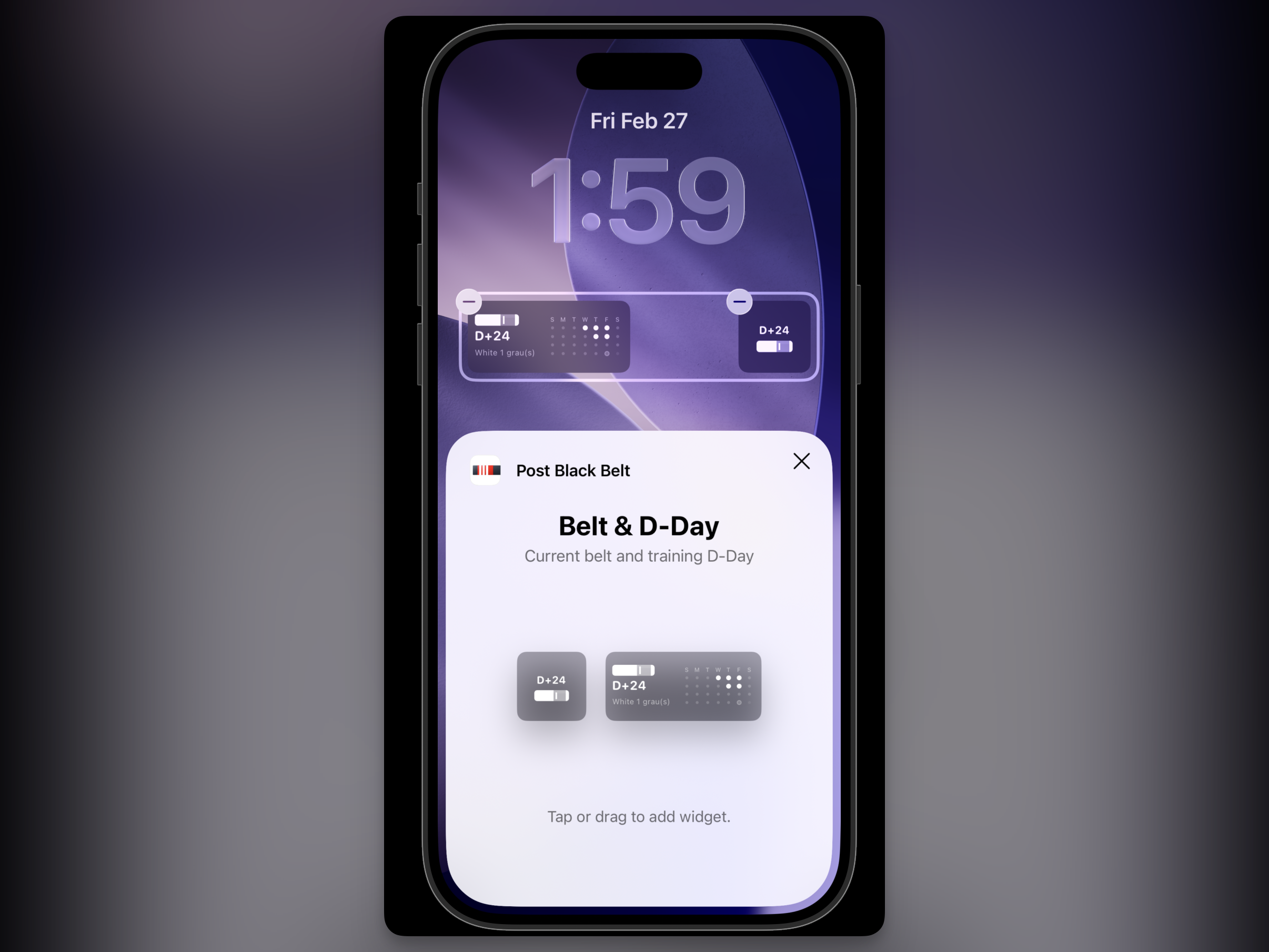
I also prepared two widget types for the lock screen. I added transparent background widgets for the lock screen on Android as well, and you can check detailed setup instructions in the in-app widget guide.
Wrap-up
This update focuses less on flashy features and more on helping you continue your daily training more consistently. Post Black Belt will keep improving in a direction that reduces the burden of logging while helping build a sustainable routine. If you experience any inconvenience or have widget ideas you want added, feedback is always welcome.