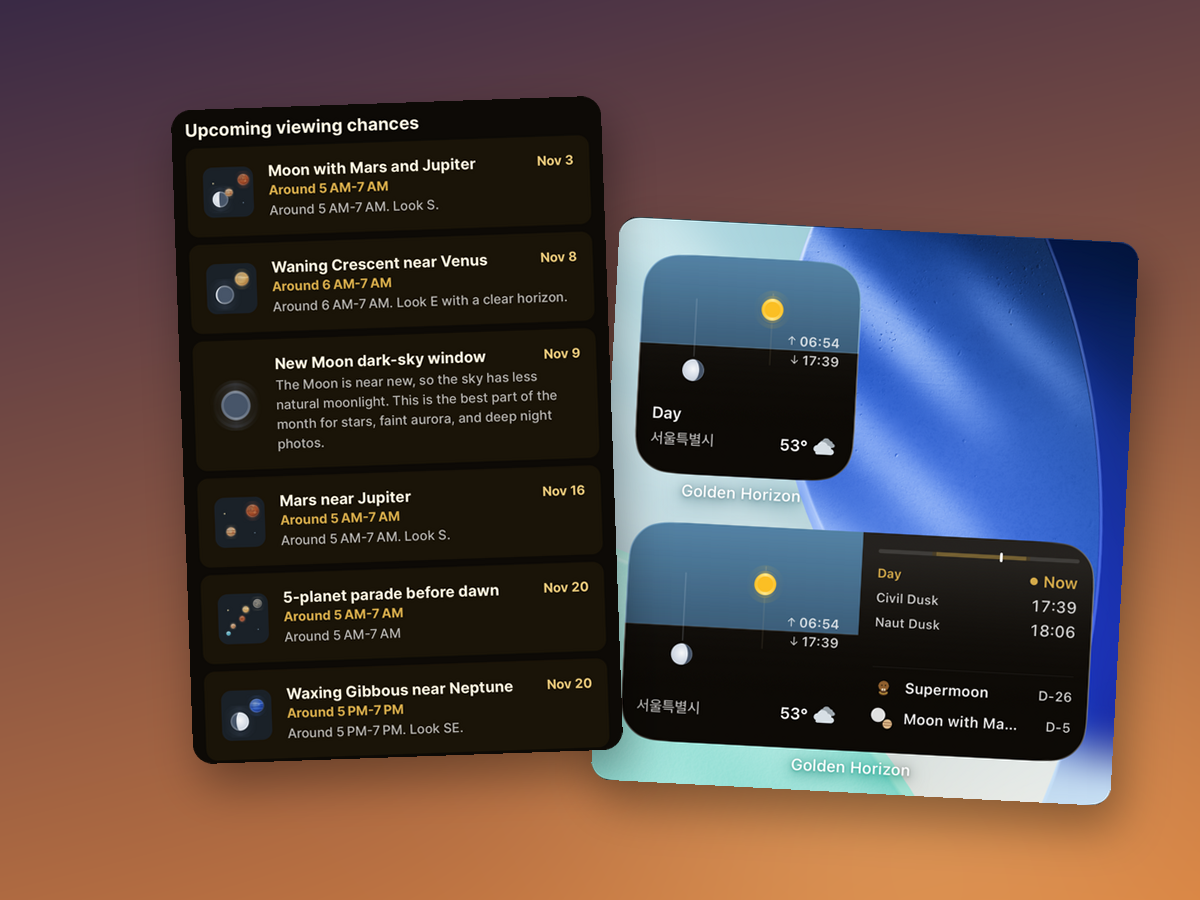
This month, I polished the app so you can spot changes in the sky ahead of time more quickly. There's a new screen that collects nothing but sky events, and you can see your next viewing opportunity right from Home or from a widget.
I also rebuilt the iPhone widgets from scratch. I also reworked the Home screen layout and the light guide sheet. Here's what changed, one piece at a time.
Sky events on a single screen
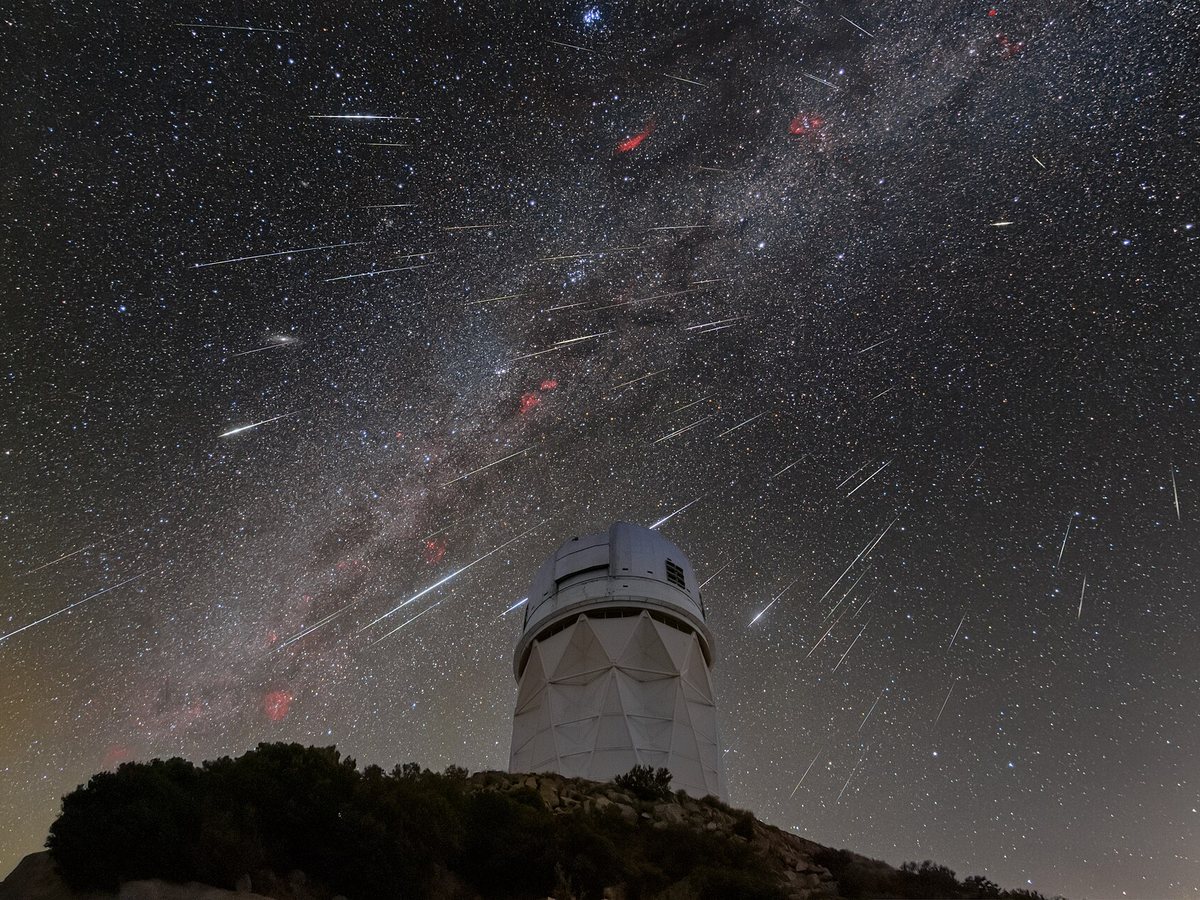
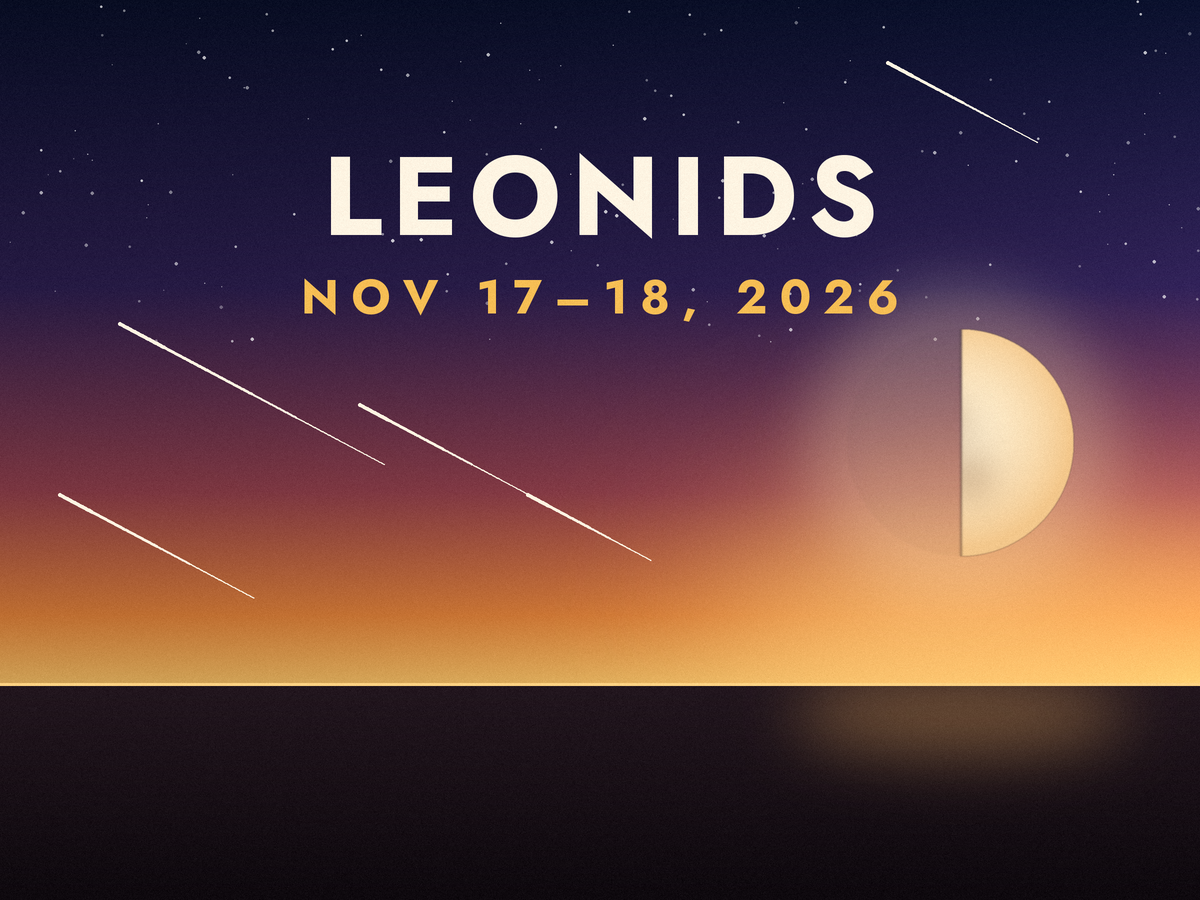
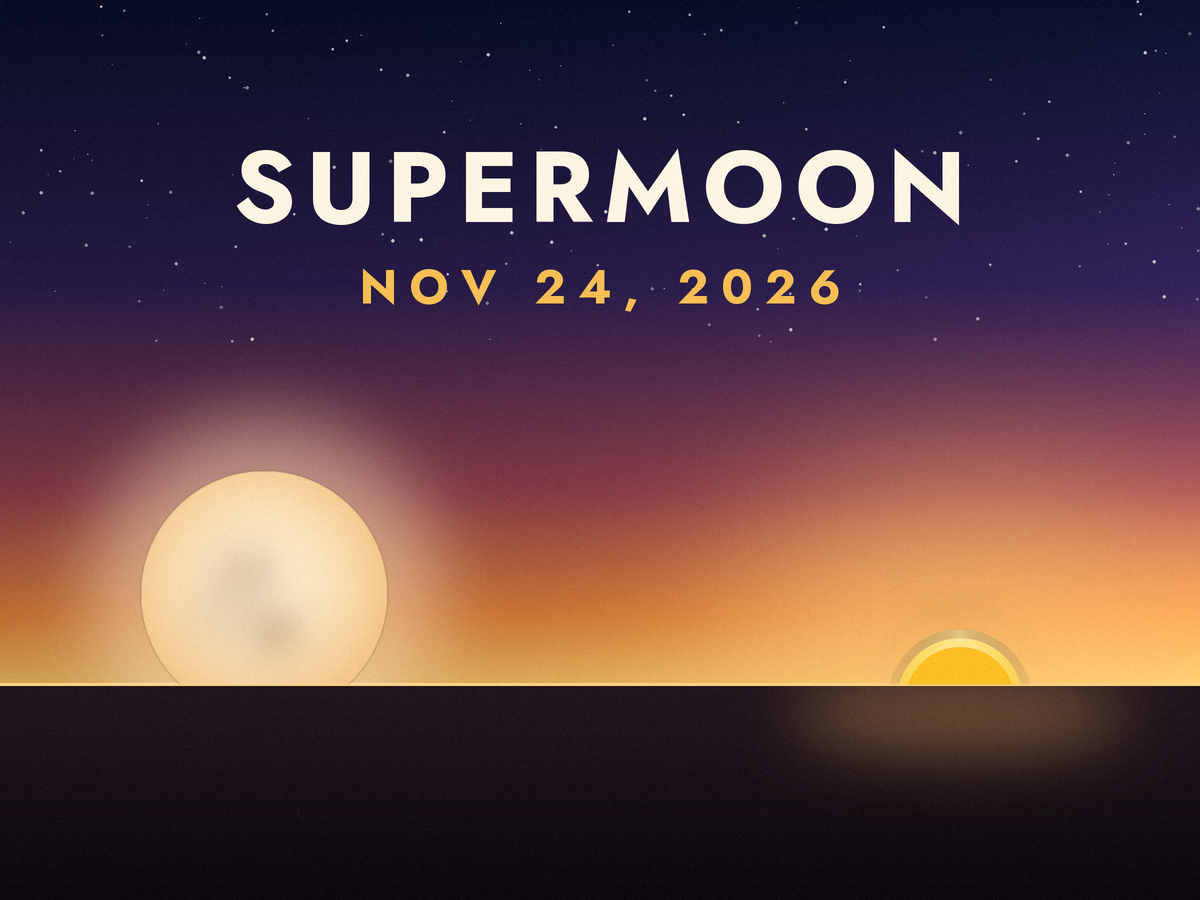
Until now, planet and moon sights were scattered across several screens. Now the Sky Events screen shows upcoming sky events at a glance, in date order: days when the moon meets the planets, planet parades, crescent moons near a planet, and the dark-sky window around the new moon. Each item also lists the viewing time and which direction to look.
The old screen has been renamed "Planet Viewing" and only shows the planets visible tonight. Tapping a sky event in the monthly briefing takes you to the new Sky Events screen.
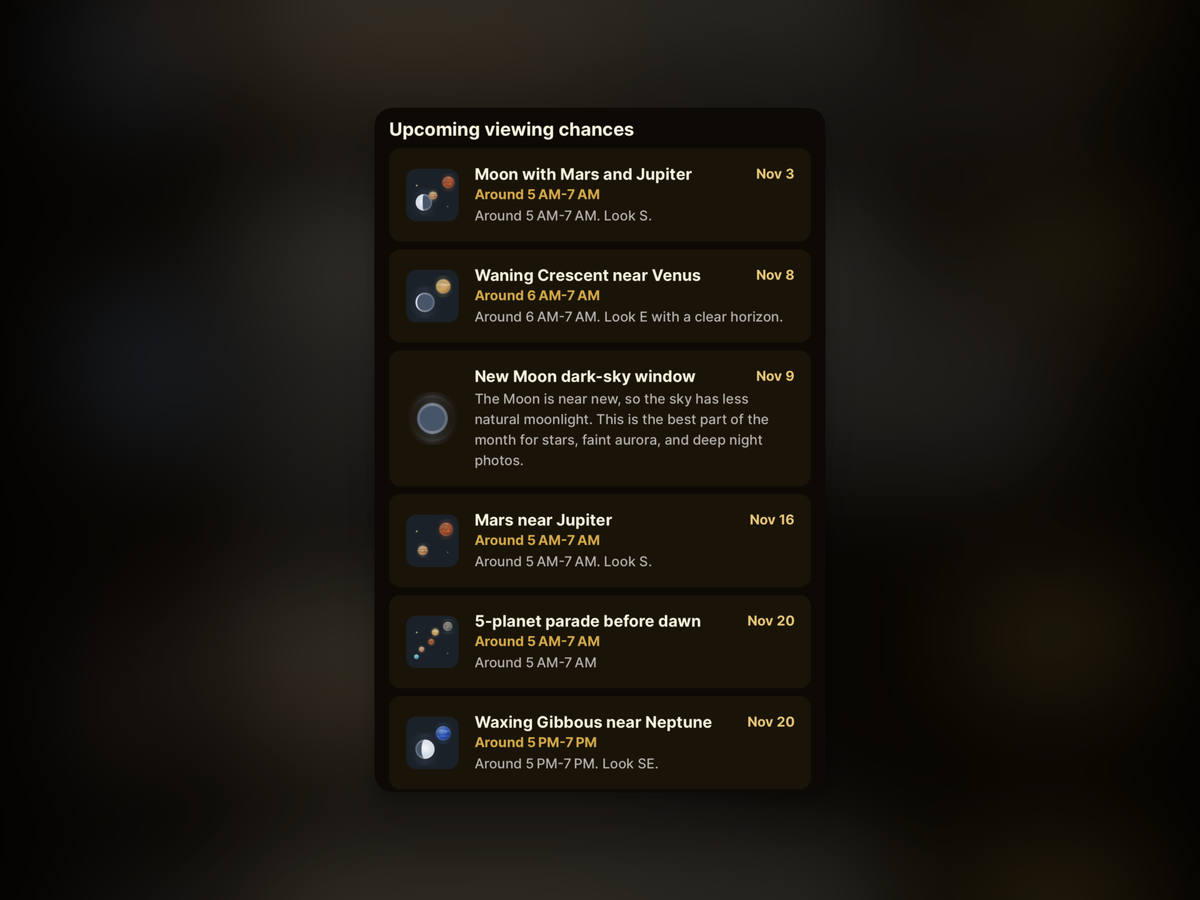
Days when the moon and two planets gather close together are now labeled with the planet names, like "Moon, Jupiter, and Saturn." Observation highlights also look 45 days ahead now, so there are fewer days where the next thing to see looks empty.
A reorganized Home
The sky events card on Home has been widened to fill a full row. Each item shows the days remaining, like today, tomorrow, or "in N days," along with the viewing time. The full moon is already covered by the moon card, so I took it out of this one.
Next to the weather card, I placed tonight's visible planets side by side, so you can check whether the sky is clear and what you'll be able to see at the same time. The monthly briefing card previews your next viewing opportunities, and tapping an item jumps straight to that event's screen.
Rebuilt widgets
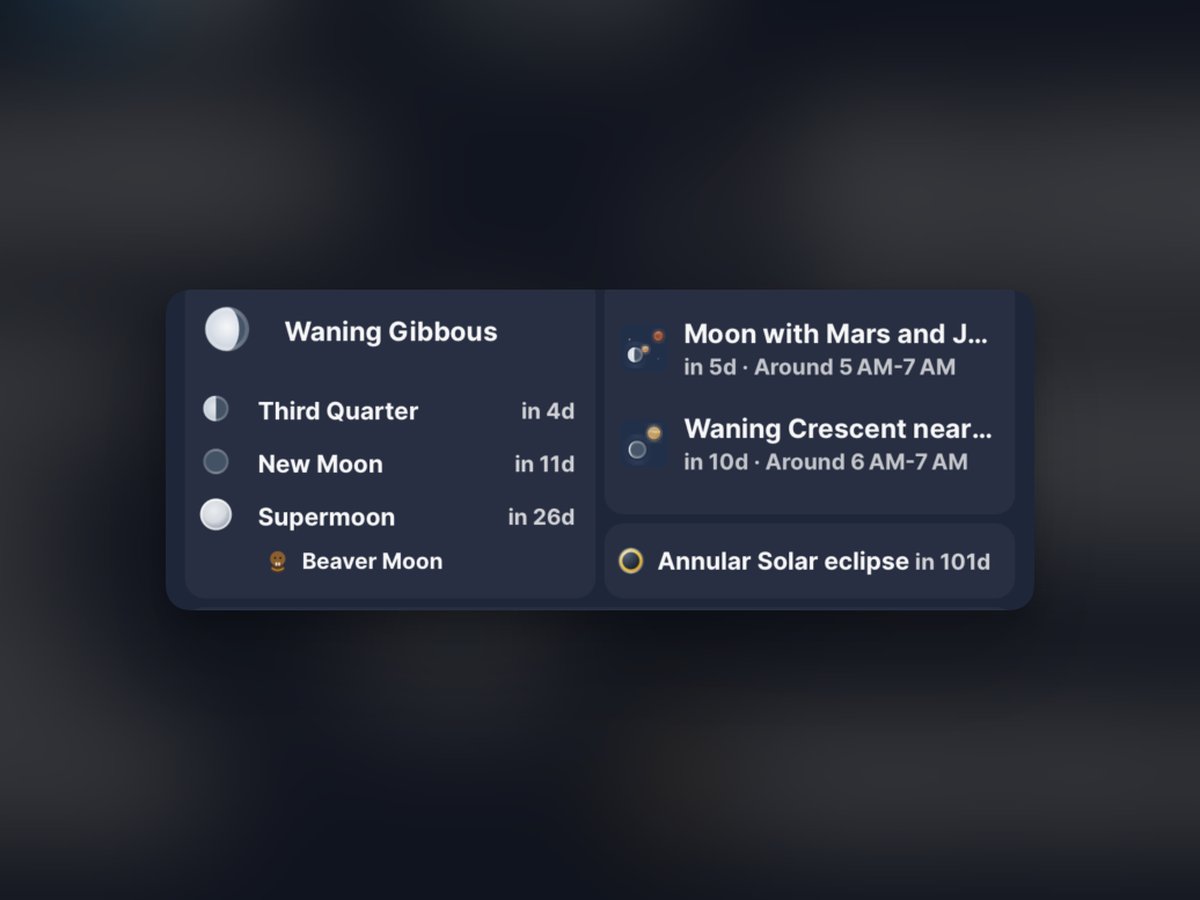
I streamlined the widgets so the small size keeps only the essentials, while the larger size shows more.
iPhone
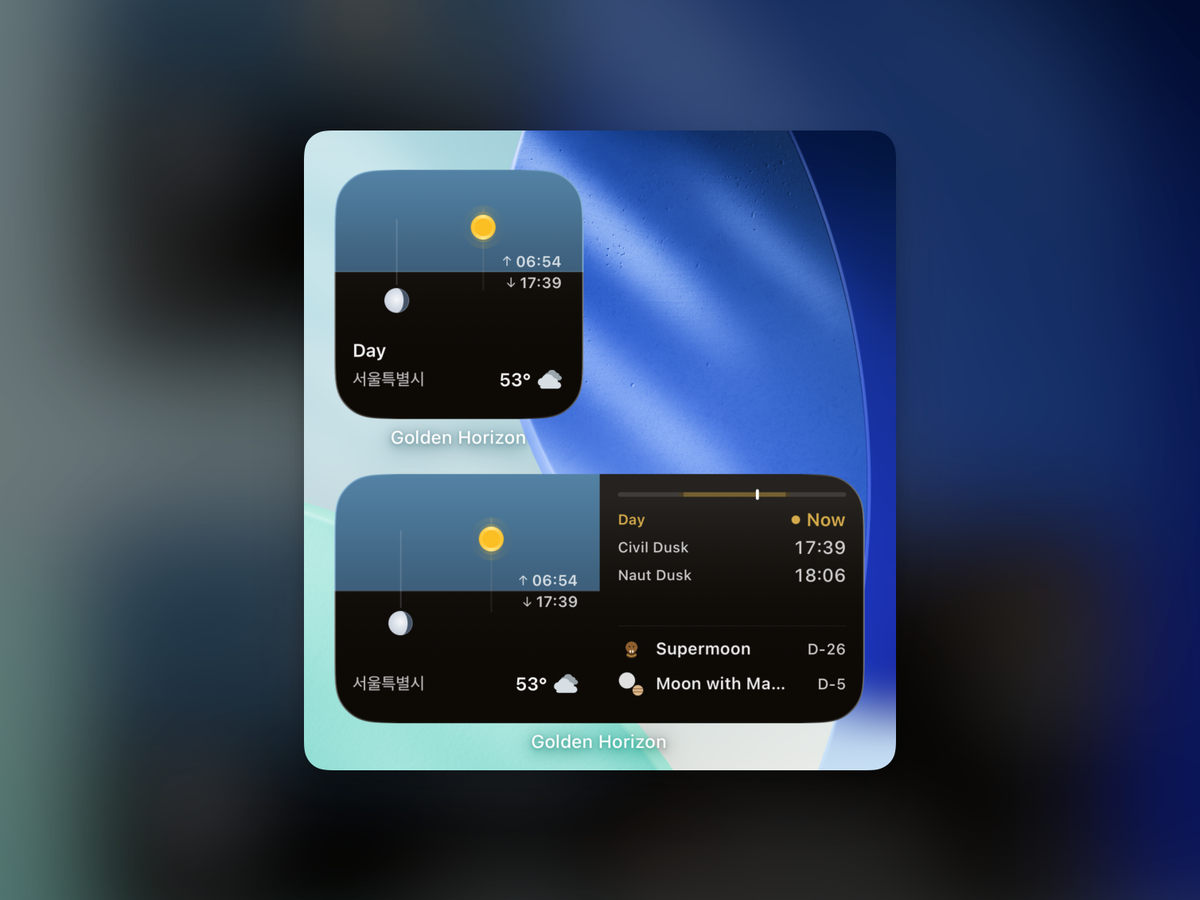
The small widget drops the clock and progress bar and keeps just the current light phase, your location, and the weather. You can also choose whether the widget shows the weather and moonrise/moonset times.
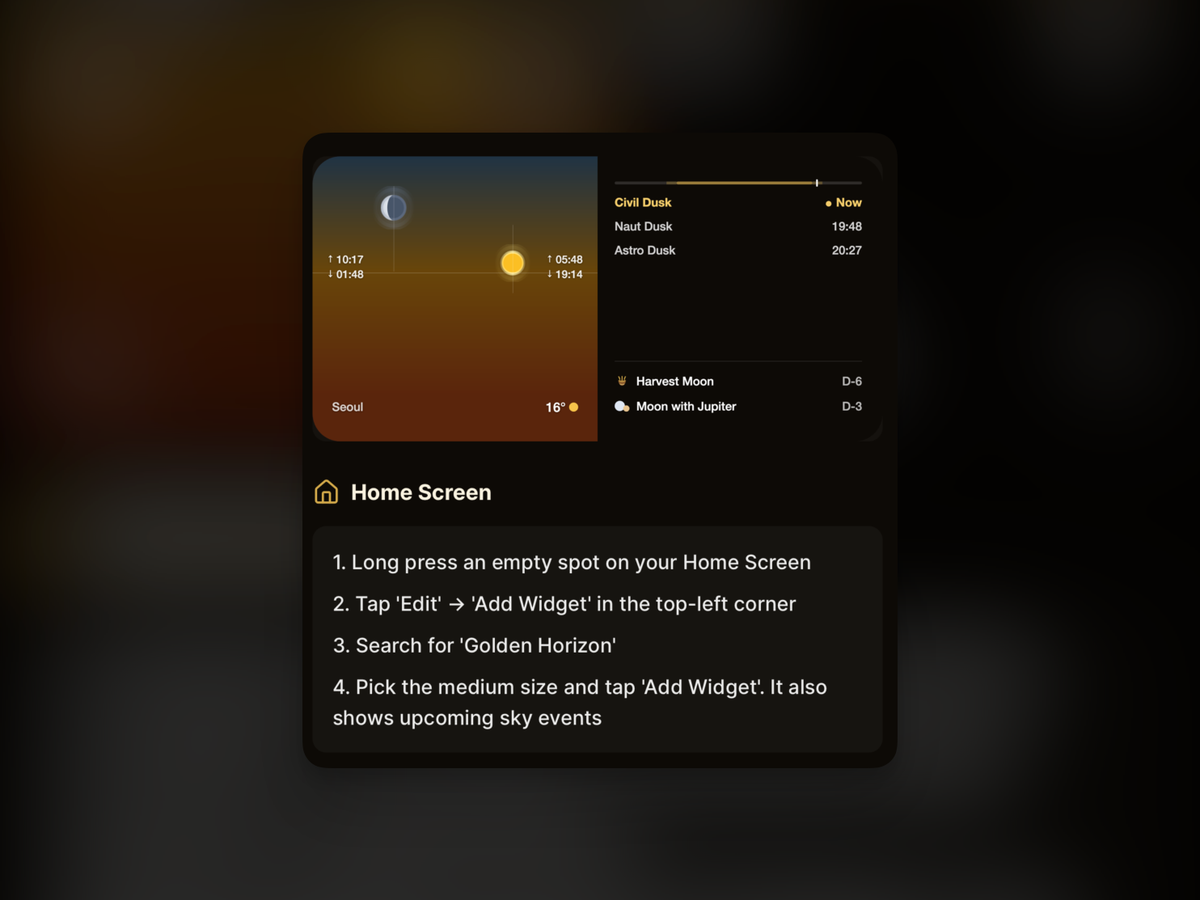
The medium widget shows the sky on the left, and on the right a 24-hour day bar, the next two light phases, the next full moon, and an observation highlight. Remaining days are now shown consistently as Today, Tomorrow, or D-N, so they're easy to read at a glance. Widgets also now display in the language you set in the app.
In current location mode, the widget rechecks your device's location and fetches fresh weather once you've moved more than 1km. I also fixed an issue where location updates would stop in the app.
The widget setup instructions are now a step-by-step numbered list that's easier to read at a glance. Tapping the banner on Home takes you straight to the widget setup guide.
Solar altitude, as a picture
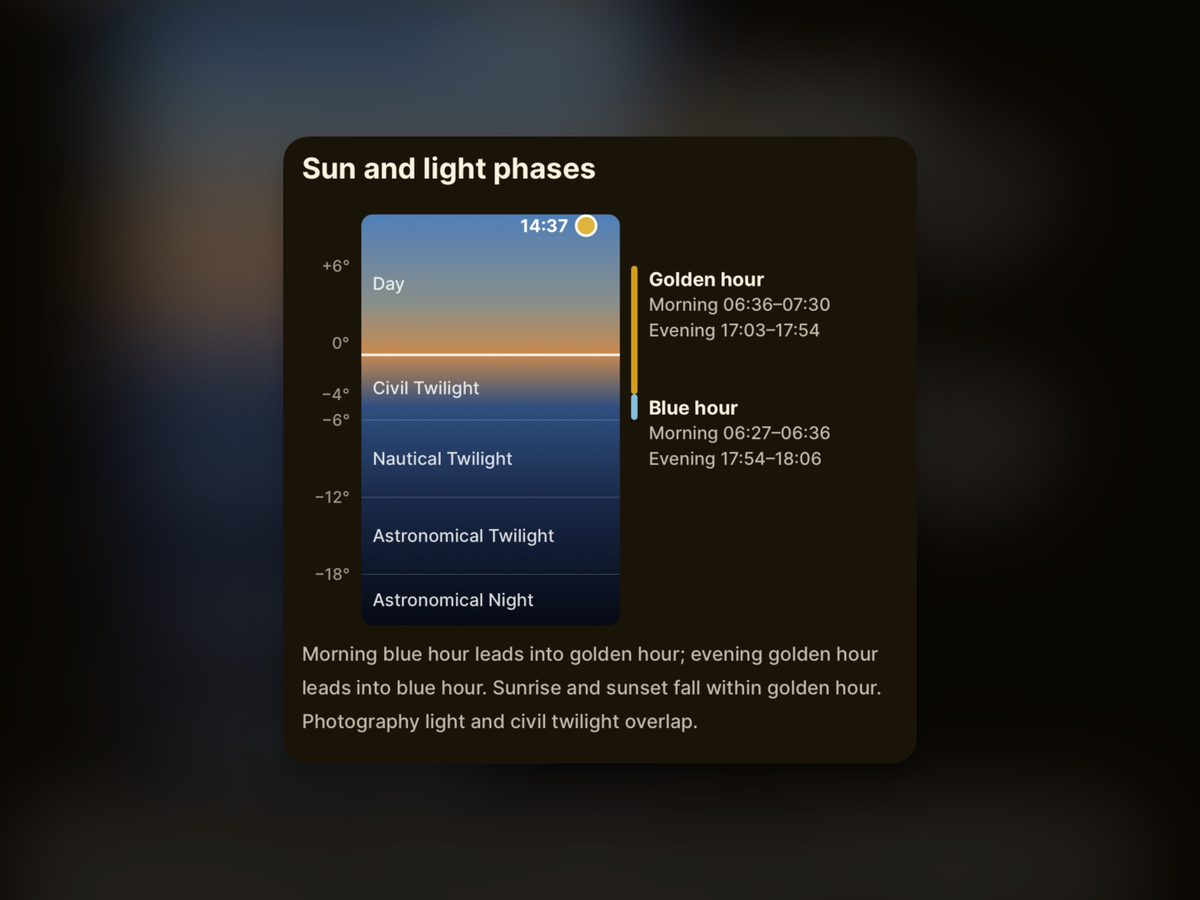
In the light guide sheet, the list of angle numbers has been replaced with a single vertical altitude axis. Twilight ranges, golden hour, and blue hour are marked over a sky gradient, along with the morning and evening ranges for the day you've selected.
The sun's position at the time you're viewing on Home is also marked on the graphic. As you scrub through the hours, you can see right away which range the sun is in. I also fixed the twilight terminology that had been translated awkwardly in a few languages.
Improvements
- You can open the sky palette straight from its dedicated screen, and I added a Pro shortcut at the top of Home. Pro subscribers also get a getting-started guide that walks through the palette, widgets, and monthly highlights in order.
- I reduced the brief freeze when switching to the Settings tab.
- I removed the background music. With the music on/off button gone, I also re-centered the tab bar to fit.
Wrapping up
This update was all about letting you know what's coming up in the sky without even opening the app. Browse the month's sights on the Sky Events screen, and keep track of your next viewing opportunity with the widgets.
If you try the new widgets and there's something more you'd like to see, or something that bugs you, let me know and I'll fold it into the next improvements.