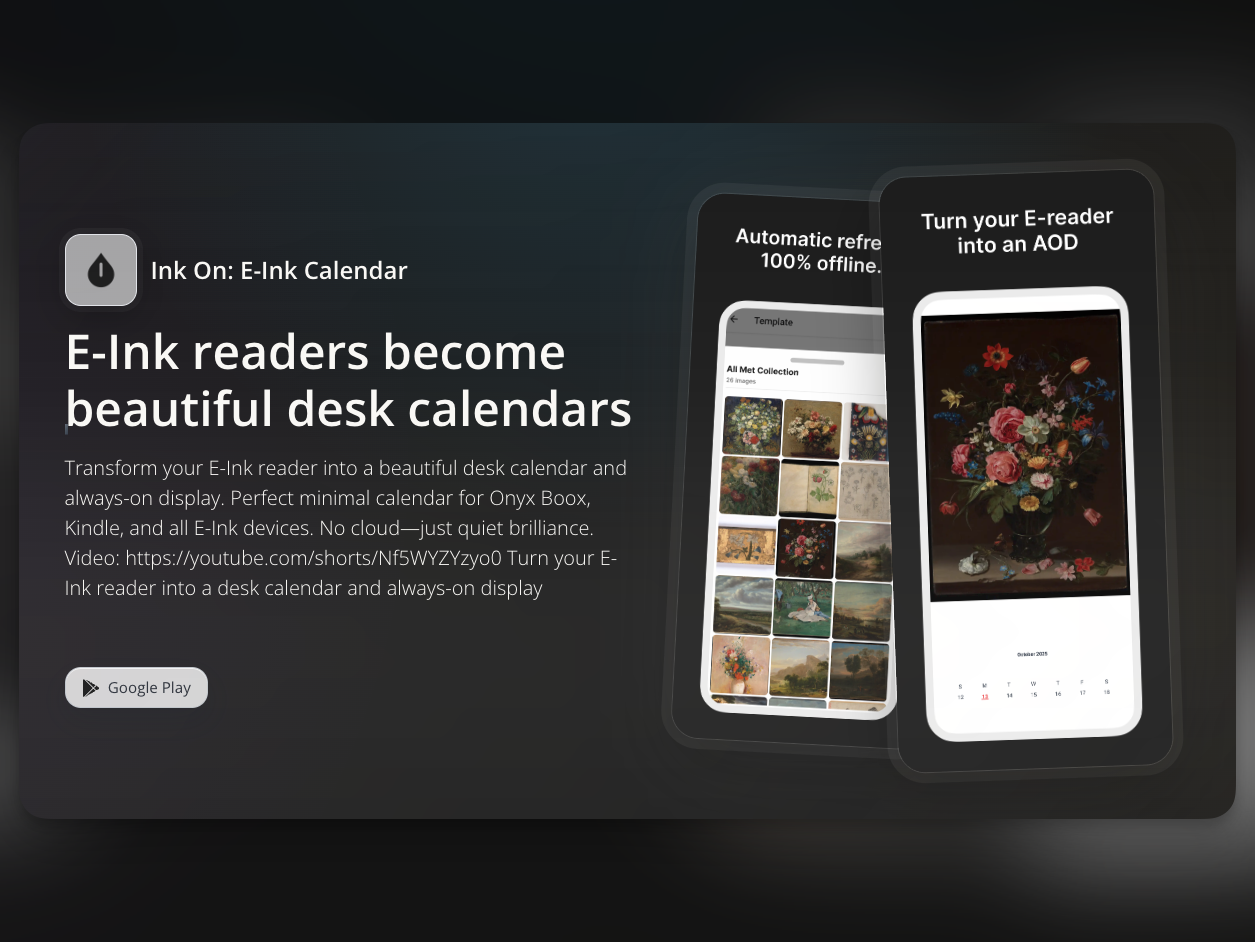
Ink On, the e-reader screensaver app, now includes a new custom feature. The core of this update is simple: you can now create lock screen combinations more freely with the images you want.
Until now, Ink On only allowed screensavers built from images already stored in the app. It was convenient for quick setup, but limiting when you wanted a more personal style.
Now supports custom image uploads
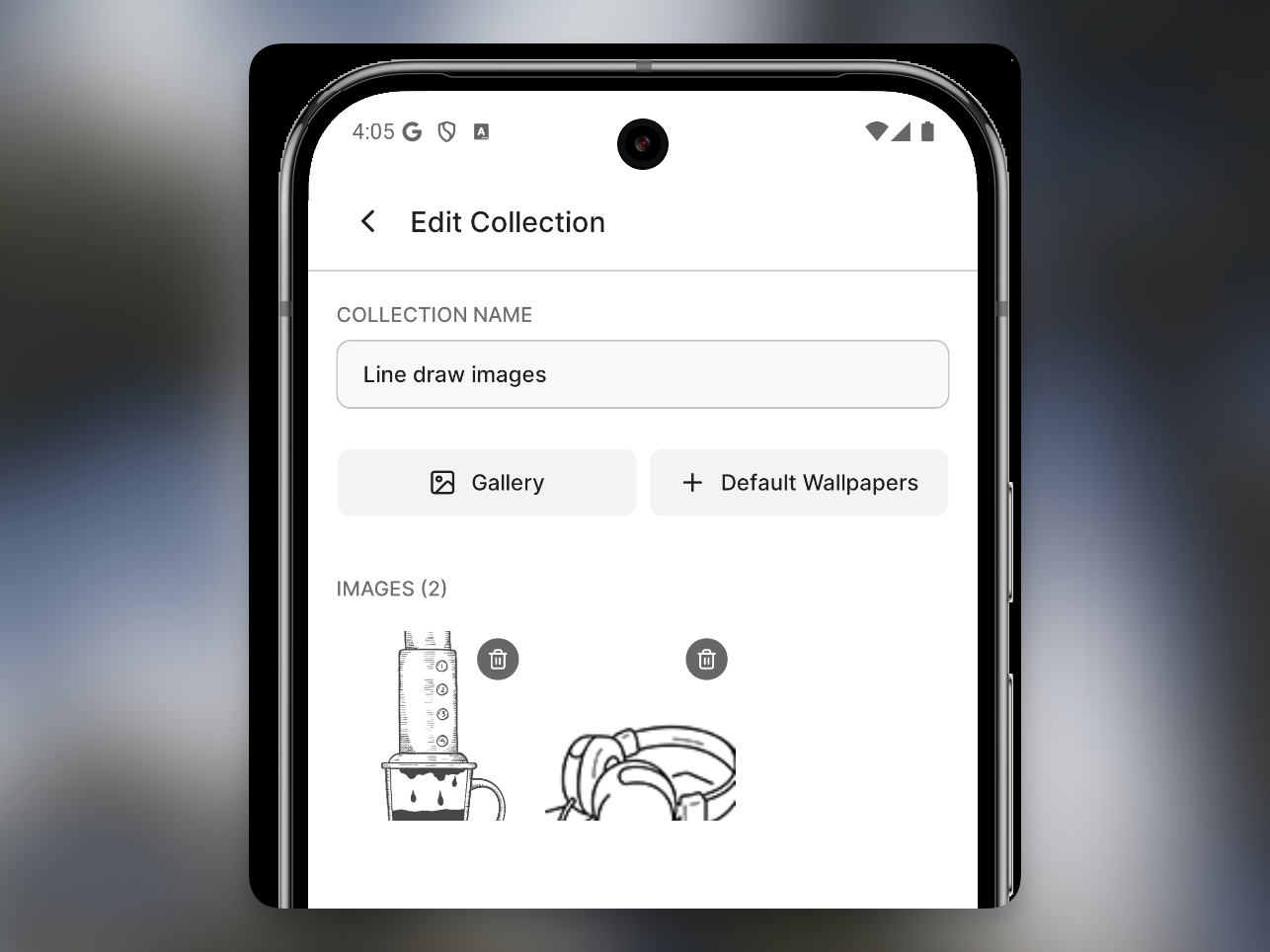
You can now upload your own images. Photos, illustrations, and mood images can be added directly and applied to your lock screen.
Create custom collections with your preferred combinations
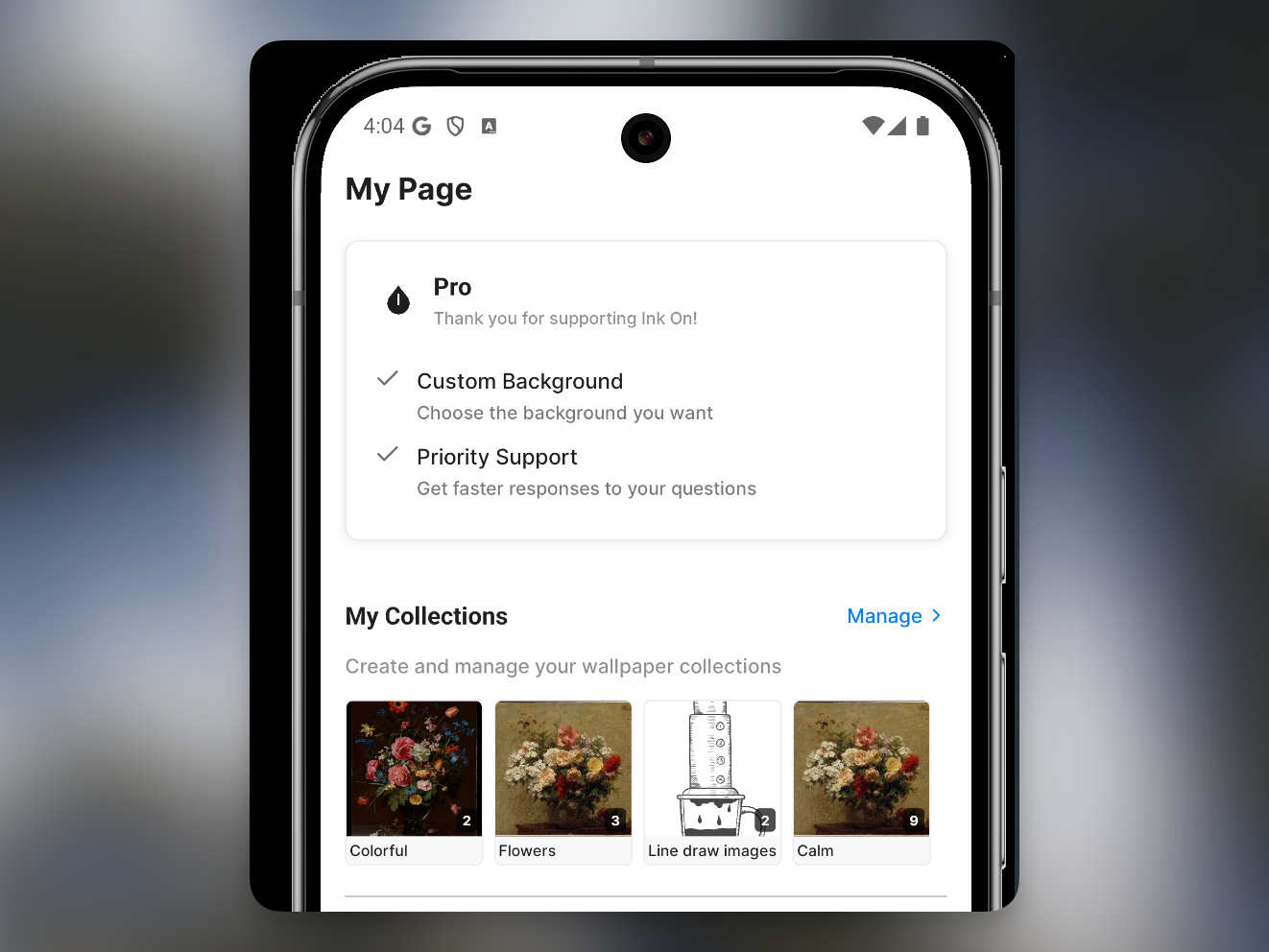
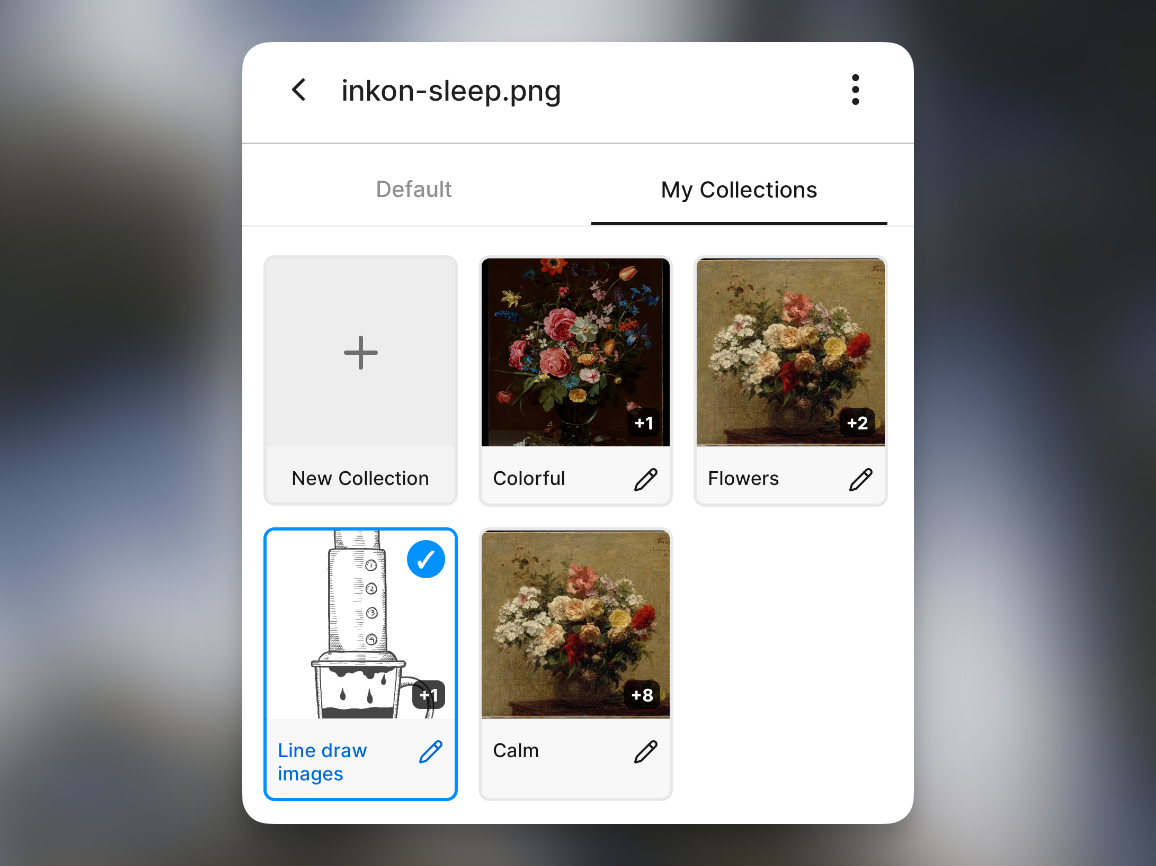
You can combine uploaded images with existing ones to build your own custom collection. Instead of sticking to one style, try different combinations based on your mood or reading flow. This goes beyond simple screen protection and turns the first screen you see most often into something that matches your taste.
Wrap-up
This update is the first step toward making Ink On a more personal app. We will keep improving the custom experience so users can shape their own ideal reading environment.