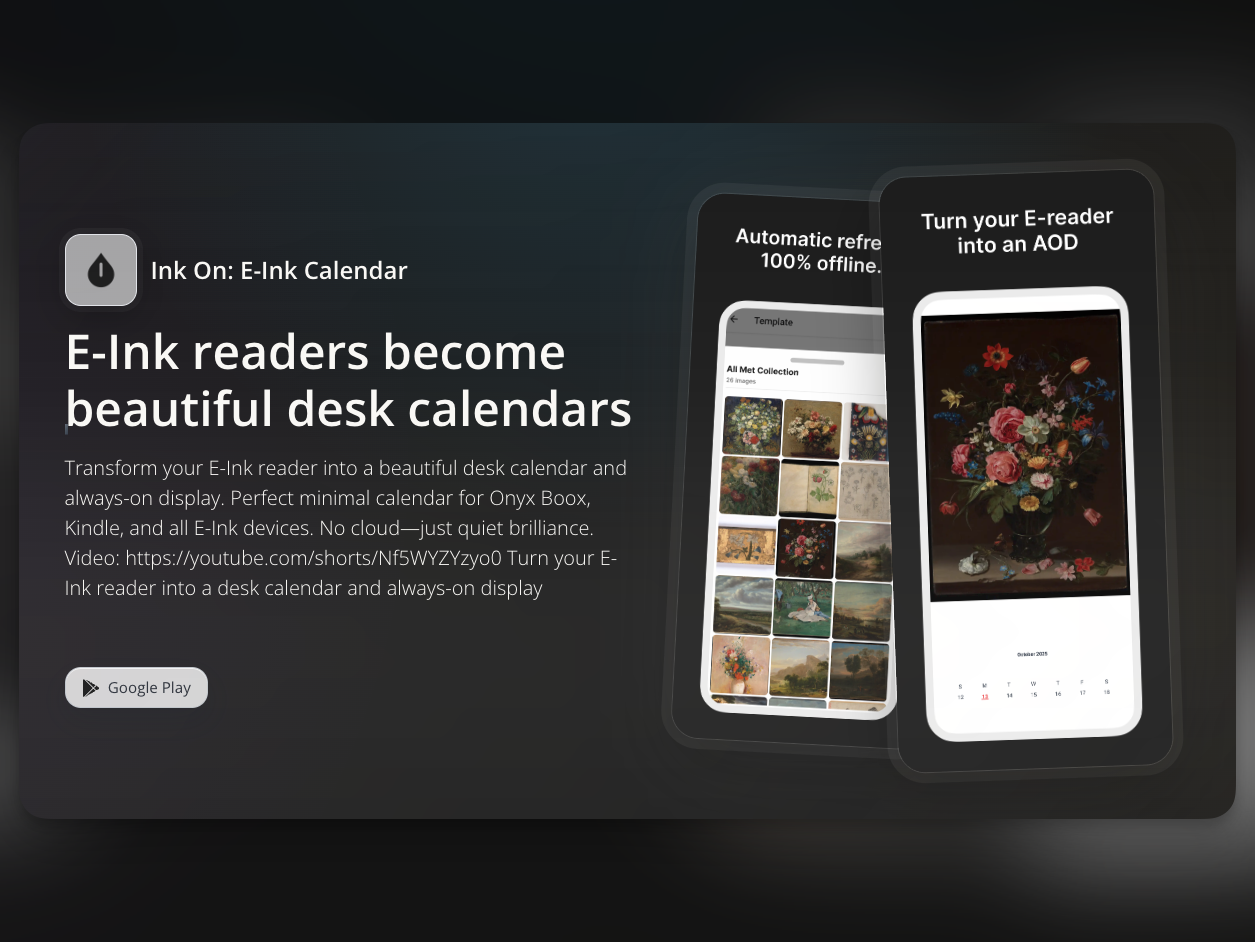
Ink On is a screensaver app for e-readers. In this post, I will briefly explain the motivation behind building the app, the constraints faced on a specialized device like an e-reader using Expo (React Native), and the native Android modules I utilized.
Why I Built the App
1. To Check the E-Reader More Often
I like thin books. Reading thick books was like reaching for the stars for me, but I realized that utilizing an e-reader, I could read an 800-page brick of a book before going to sleep. To cultivate a reading habit, it is critical to carry a book often or place it somewhere visible. Therefore, to utilize the e-reader as an Always On Display (AOD), I conceptualized a screensaver app.
2. Exceedingly Slow Environment
Despite being devices in the $150-$300 range, e-readers have exceedingly slow boot times compared to other electronic devices due to the physical characteristics of E-Ink. Unable to stand this, I used default images as my screensaver for the past three years, which led me to the simple thought of downloading image templates I actually wanted.
Key Constraints
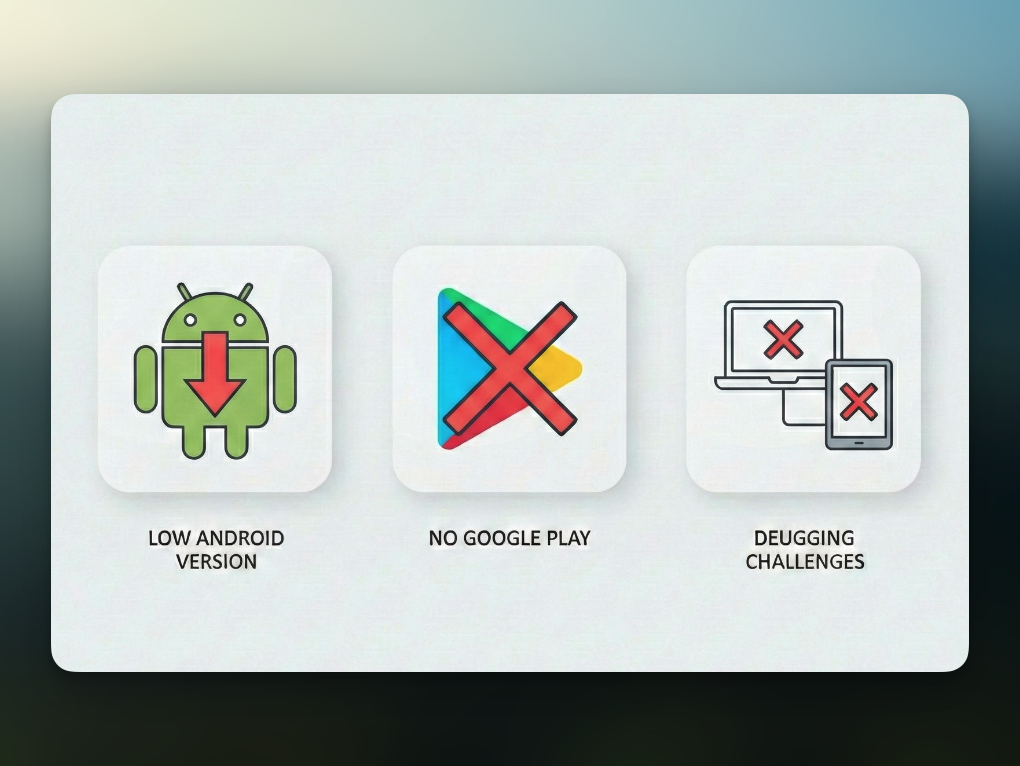
Before explaining how the app was built, I want to highlight the main challenges and constraints.
1. Low Android Versions
The biggest characteristic of e-readers is their low supported Android
versions. Even the latest Onyx Boox devices are around Android 12-13, and
slightly older models often run below Android 6.0, the minimum version for the
Google Play Store. Thus, caution was needed with libraries relying on the
latest APIs, and I had to lower Expo's
minSdkVersion appropriately.
2. A World Without Google Play
For the same reason as point 1, e-reader users are accustomed to downloading APK files directly or installing apps through third-party stores like Aurora Store instead of Google Play. This is not just a distribution channel issue; it directly impacts the app runtime because in-app billing (like RevenueCat) depends on GMS (Google Mobile Services).
3. Debugging Difficulties
Unlike typical Android phones, e-readers cannot be tested with Android Studio emulators. Therefore, during development, I had to repeatedly go through the cycle of transferring the built APK using the Send Anywhere app to the e-reader, installing it, running it, and rebuilding if there were issues. This process was more tedious than expected.
What I Implemented
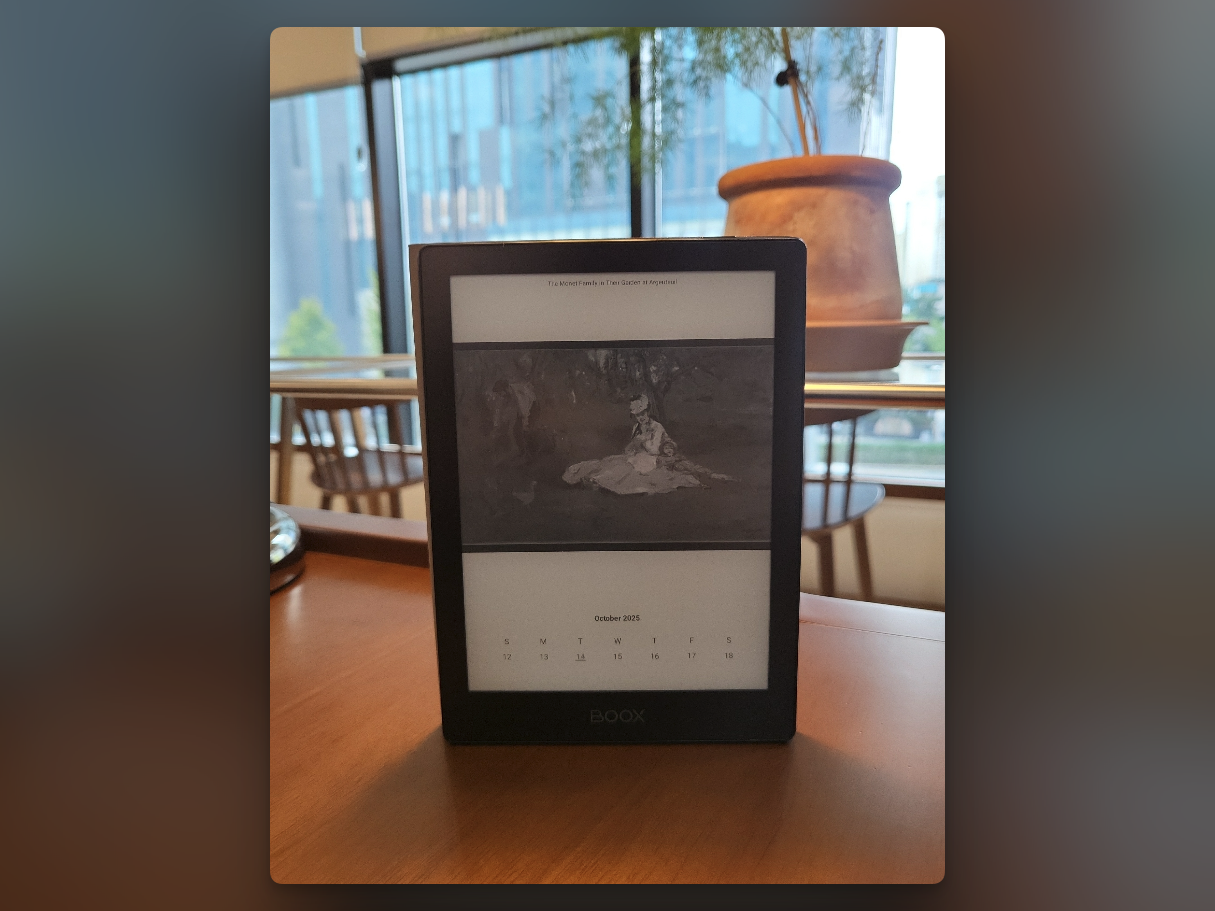
Since Expo (React Native) supports multiple platforms, I was curious to see to what extent e-readers could be supported. In conclusion, Ink On can automatically update the sleep screen on Android-based e-readers (e.g., Onyx Boox, Meebook, Bigme) or create an exclusive lock screen by overlaying a calendar, date, and text widgets on public domain images from the Metropolitan Museum and NASA.
1. Custom Expo Native Module for Background Tasks
The core of the app is generating screensaver images in the background. Simply capturing React Native's View could not be executed in the background when the app was closed, and performance was insufficient. To solve this, I built a native module directly in Kotlin using the Expo Modules API.
Since it had to operate without the JS runtime's intervention, I implemented a physical rendering engine utilizing the Android Canvas API. When the React Native side hands over the JSON template specifications, the native logic independently parses it and renders it seamlessly into a background bitmap, no matter how complex the drawing process is.
2. Build-Time Native Asset Sync Pattern
The high-resolution image files used for the screensaver were separated into
an npm package called
public-domain-wallpapers. Interestingly, these images are not merely loaded in JS; for offline
accessibility and size management, a postinstall hook was used to
synchronize them into the Android native asset path
(modules/.../src/main/assets).
// scripts/sync-wallpaper-assets.js
const SOURCE = "node_modules/public-domain-wallpapers/images-eink";
const TARGET = "modules/screensaver-generator/android/src/main/assets/images-eink";
// Images are automatically copied to native assets upon yarn install
Through this, it was possible to establish an efficient pipeline where heavy binary chunk resources are separated from the app's React Native bundle, while still granting immediate, delay-free access from the native side.
3. Dual Storage Pattern to Overcome Runtime Limitations
To periodically update the screensaver, I linked the Android WorkManager to the local Expo module. The biggest limitation encountered here was that background processes spawned by WorkManager completely lose access to React Native's JavaScript runtime (Jotai, AsyncStorage, etc.).
To retrieve user settings even when the JavaScript code isn't running, I
applied a
Dual Storage Pattern. Data is simultaneously updated in both
AsyncStorage, which runs the React Native UI when the JS state
changes, and Android SharedPreferences, which is solely
accessible by the background native code.
As a result, the WorkManager's Worker could completely detach from whether the
JS short-term memory existed or not, freely pull JSON settings from
SharedPreferences, and excellently execute independent background
image rendering steps, while also satisfying autonomy upon reboot when
combined with BootReceiver.
Things I Learned
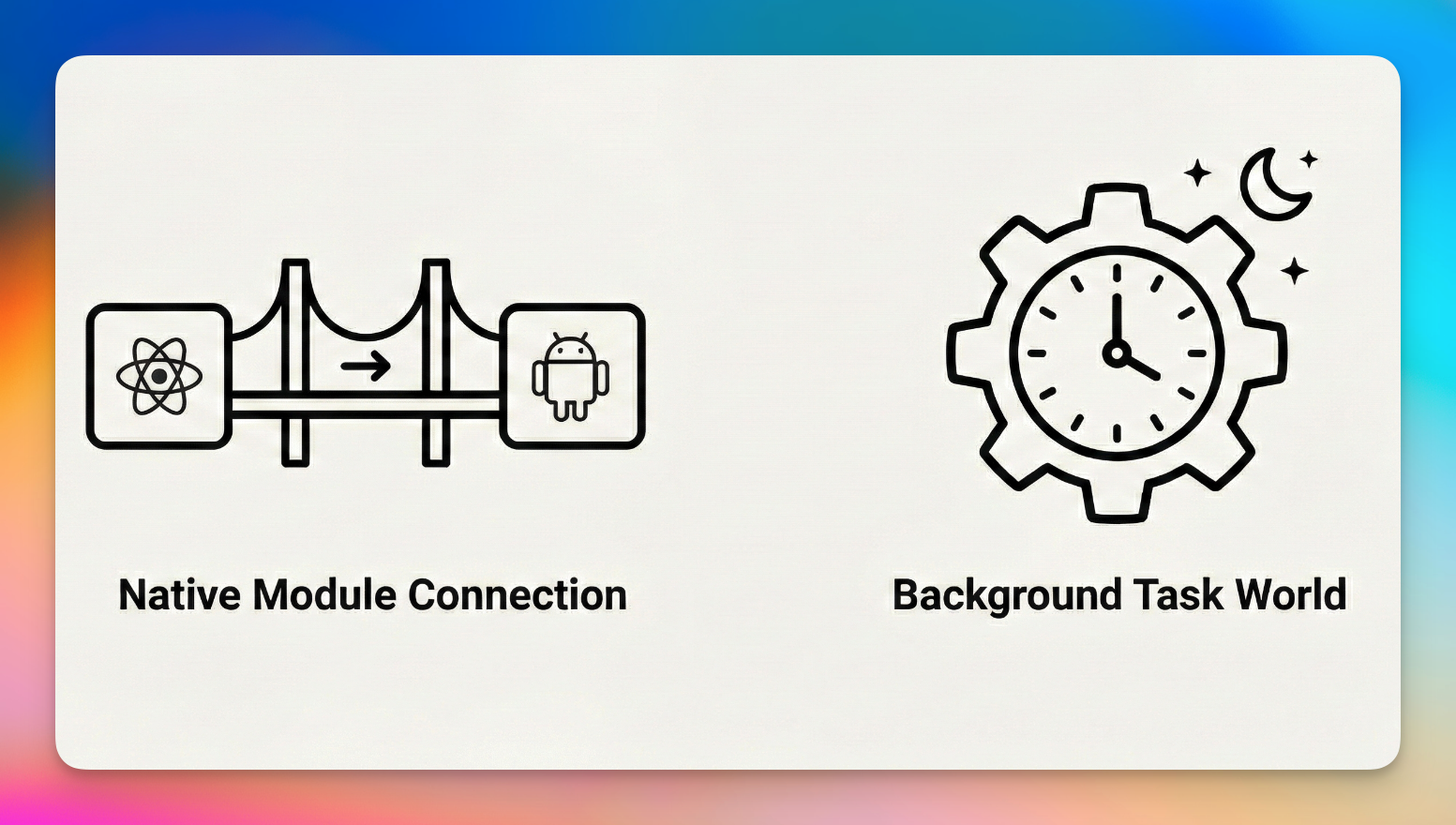
Expo Native Modules Are More Powerful Than Expected
Before developing, I had a preconception that "Expo makes it difficult to
touch native code." However, utilizing the Expo Modules API, a native module
fully operates simply by placing Kotlin/Swift code in the
modules/ directory and registering it via a single
expo-module.config.json file. In this project, I touched upon
Android Canvas API, WorkManager, SharedPreferences, BootReceiver, and even SAF
(Storage Access Framework), and all of it was possible without ejecting from
Expo. Most Android native functionalities can be sufficiently implemented
using Expo local modules.
Background Tasks Are a Separate World
Building UIs in React Native and implementing background tasks are completely different realms. Because WorkManager operates independently of React Native's JavaScript runtime, state sharing, memory management, and duplicate execution prevention all must be handled directly at the native level. The single requirement that "it must work even when the app is closed" changed the entire architecture.
Conclusion
Building an app tailored for the niche target of e-readers led me to deal with areas I usually wouldn't pay attention to. These included handling payments in a GMS-free environment, generating images in the background, and optimizing memory for low-end devices. The most satisfying part of this project was discovering that while enjoying the convenience provided by Expo, I could still dive down into the native layer to implement required features directly when necessary.