A clearer way to read the night sky this October
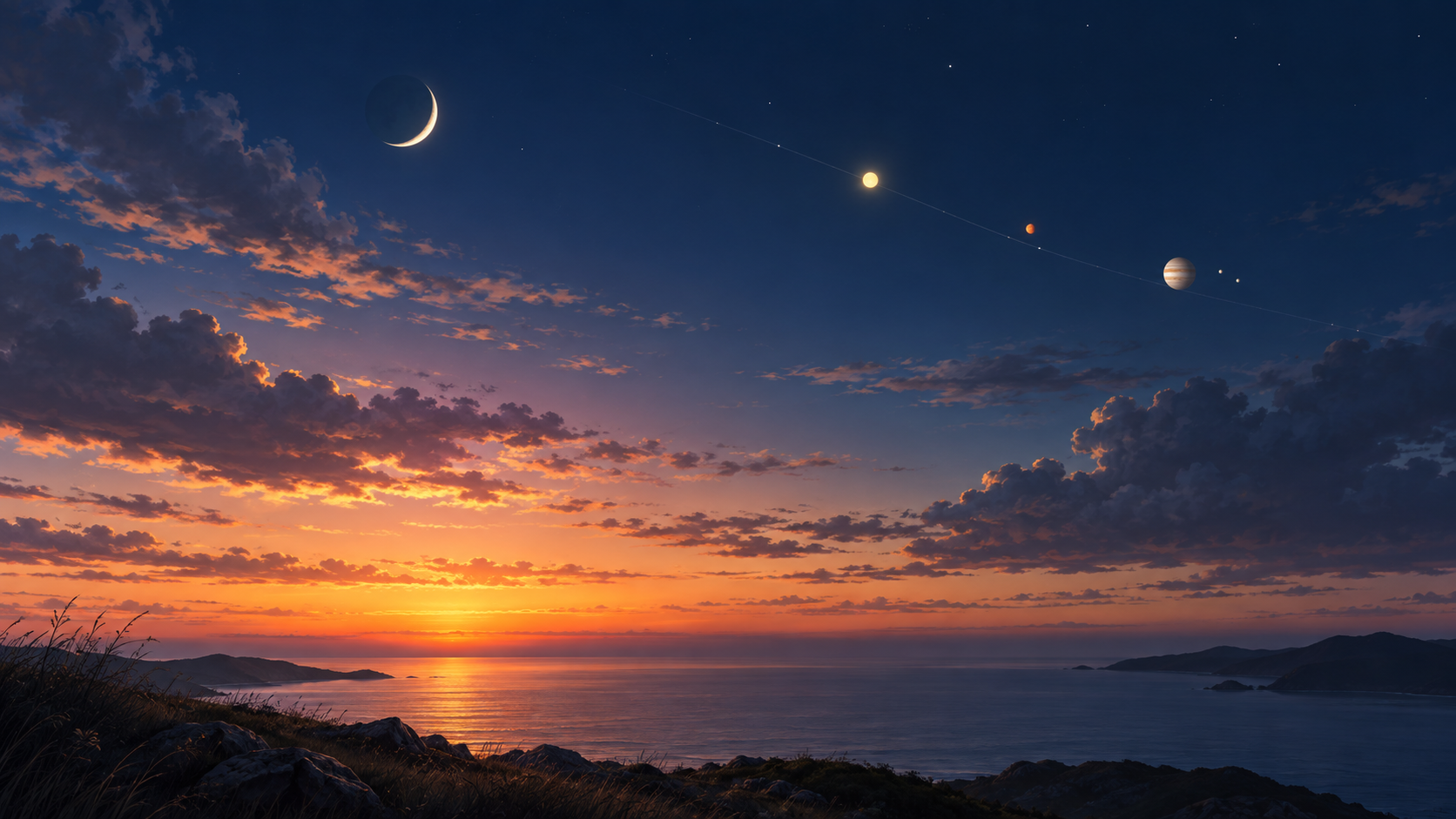
Knowing what is in the sky is only part of planning a good moment to look up. This Golden Horizon update connects astronomy alerts with the Monthly Briefing, and makes sunrise and sunset outlooks and photography light easier to follow.
We also refined the way the app handles the details that change with location and time. Here is what changed to help you find the information you need and plan your next time under the sky.
From astronomy alerts to the Monthly Briefing
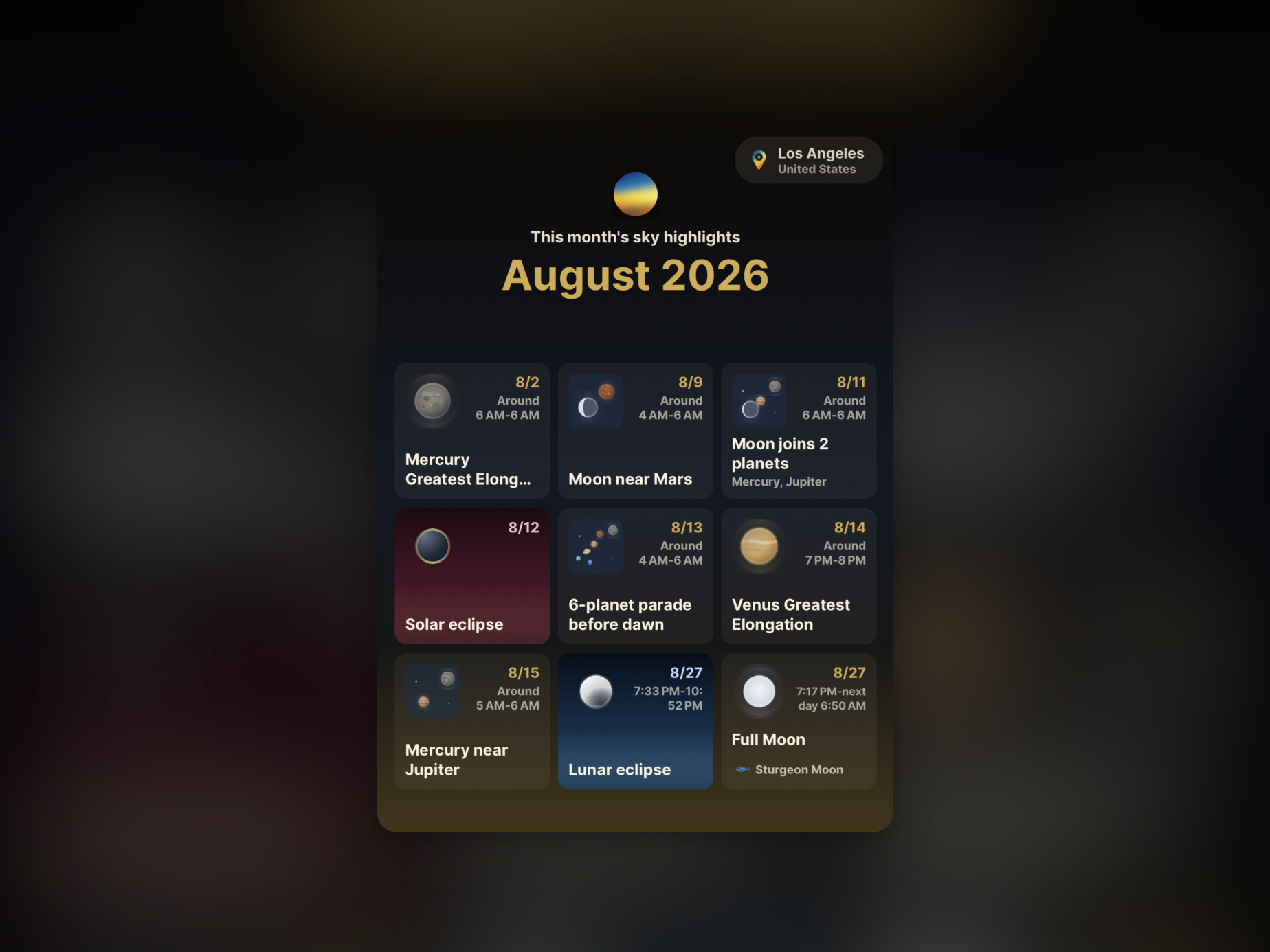
The Monthly Briefing, astronomy events screen, and alerts now use the same event names and information. You can get alerts for events worth watching, such as planetary conjunctions and meteor showers. Tap an alert to go straight to the Monthly Briefing for that event, then see how it fits into the month ahead.
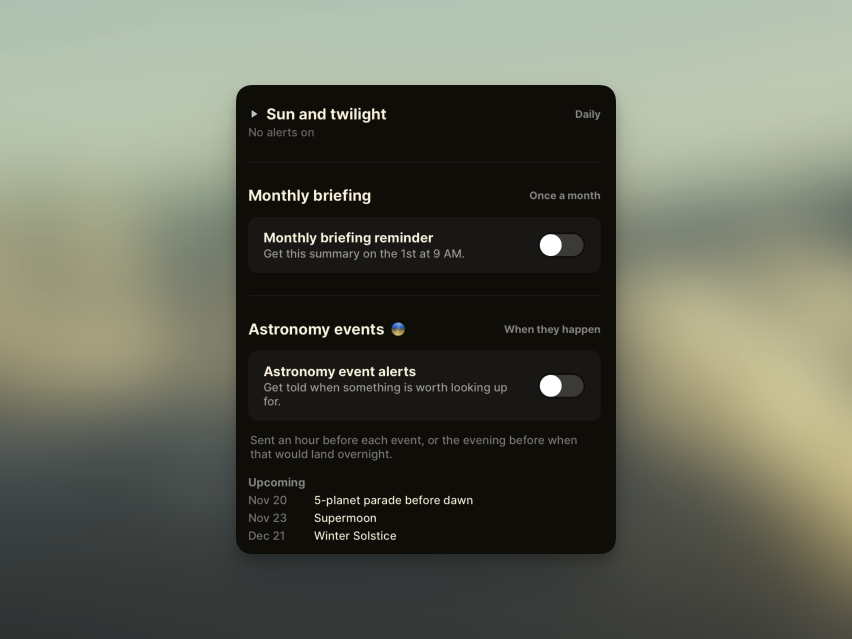
We also improved how astronomy events are collected. The work starts after the first screen appears, so heavier calculations do not hold it up, and runs in smaller steps. If the app closes partway through, it can resume from completed work instead of collecting the same data all over again.
A beta outlook for sunrise and sunset
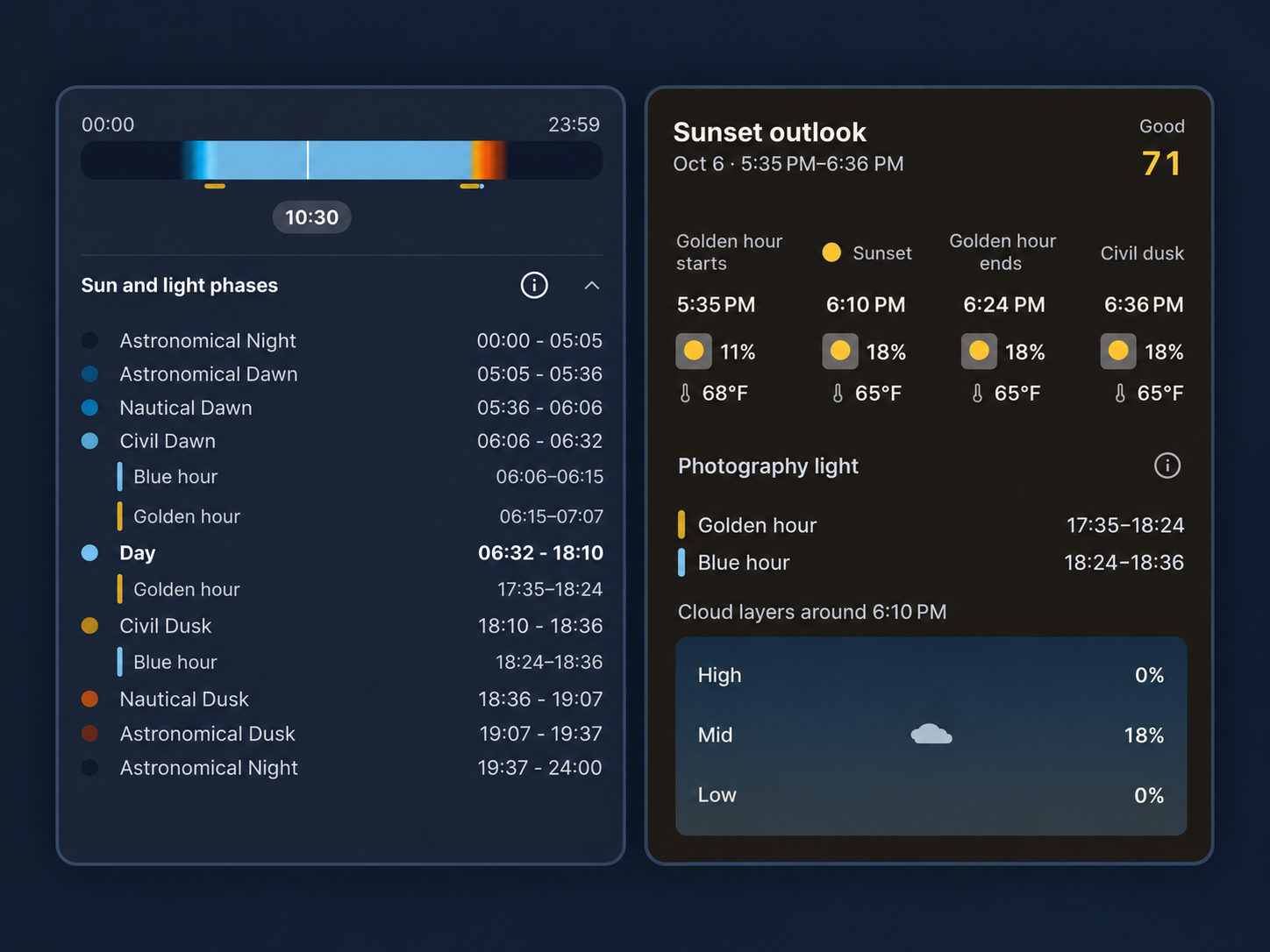
The beta outlook gives you a closer look at the sky around sunrise and sunset. The home screen shows the next outlook at a glance. In the detail view, you can change the date and check cloud layers, weather, and celestial objects that may help with observing.
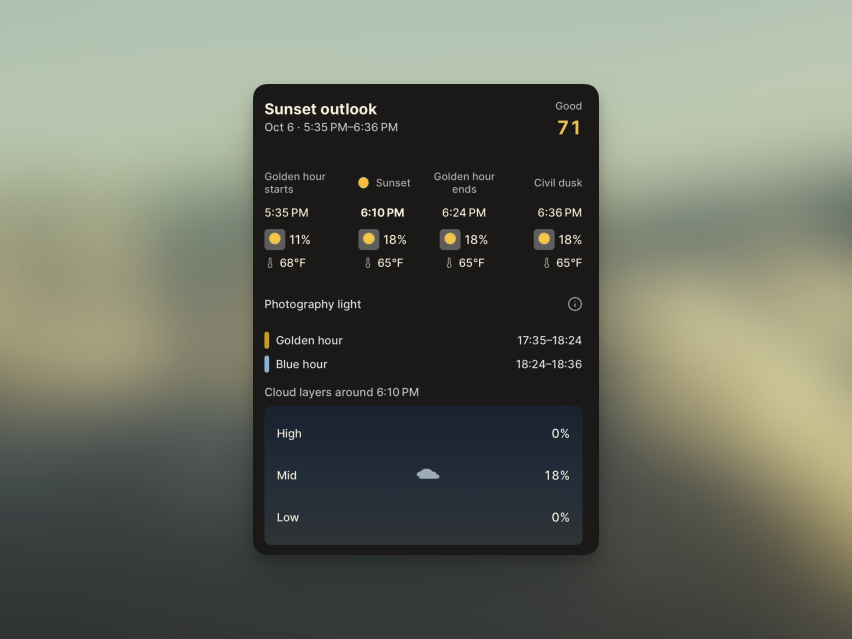
The outlook does not stop at the exact moment the Sun rises or sets. It keeps information available through the light windows that matter for photography and observing, then moves on to the next outlook when that period ends. We also refined calculations for date changes and higher latitudes, where sunrise and sunset can be harder to determine.
The outlook is still in beta, and we will keep refining its calculations and guidance as we learn from real-world use.
Photography light on the solar timeline
Golden hour and blue hour are now part of the solar timeline on the home screen. The existing flow from twilight into night remains in place, with the best times for photography shown alongside it.
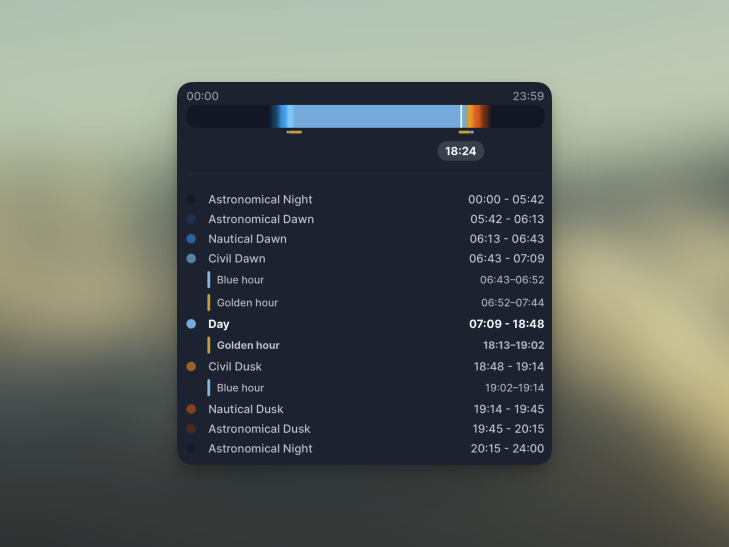
A guide explains what each light window means, and optional solar alerts can remind you when it is time to head out. Check the timeline, set an alert if you like, and get ready before the light changes.
Weather units that fit your preferences
You can now choose units for each weather category. For example, use Celsius for temperature, mph for wind speed, and millimeters for precipitation. Automatic settings choose the defaults based on the country saved during onboarding.
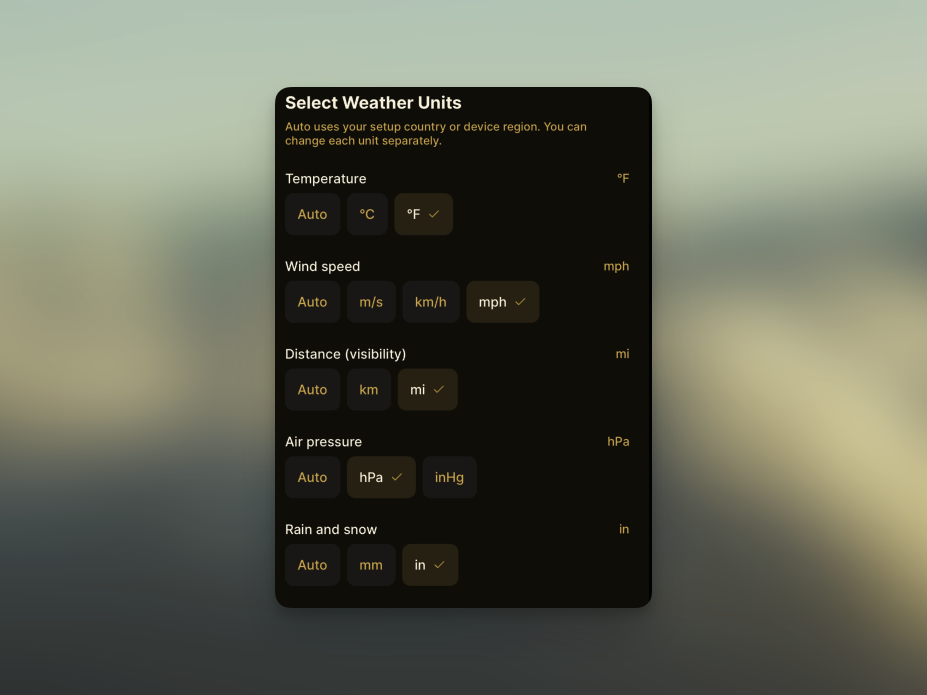
This update reminded me that different countries use different units. Thanks to the user who kindly shared that feedback.
Wrapping up
This update makes it easier to see what is in the sky now and how long good light will last. Astronomy alerts lead into the Monthly Briefing, while the sunrise and sunset outlook and solar timeline help you plan a time to observe or take photos. Place and unit settings can also fit your preferences. We also made weather information and location syncing more stable.
Check the next changes in the sky with Golden Horizon, and let us know what you notice as you use the beta outlook. Your feedback will help us keep improving its calculations and guidance.